
Google AI Studio Turns Gemini API Spending Into an Operating Control


TL;DR
Google AI Studio now gives Gemini API teams four useful control surfaces: per-project Project Spend Caps, revamped Usage Tiers, billing-account tier caps, and billing, rate-limit, cost, and usage dashboards. The cap is persistent until a project owner changes or disables it, but Google documents a roughly 10-minute delay and says users remain responsible for overages during that period. Usage Tiers can move eligible accounts upward automatically as usage grows and payment history matures. Netics’ practical reading is architectural: these controls belong in the budget and reliability design of an agent or API, but a platform cap must not be mistaken for an instantaneous kill switch.
The useful shift is from surprise billing to named boundaries
Google’s announcement is easy to read as a billing-interface update. It is more consequential than that. A project is an operational boundary: a place where an application, credentials, quota behavior, owners, and spend can be inspected together. Giving that boundary a monthly dollar limit makes cost a first-class deployment decision rather than a number discovered after the invoice.
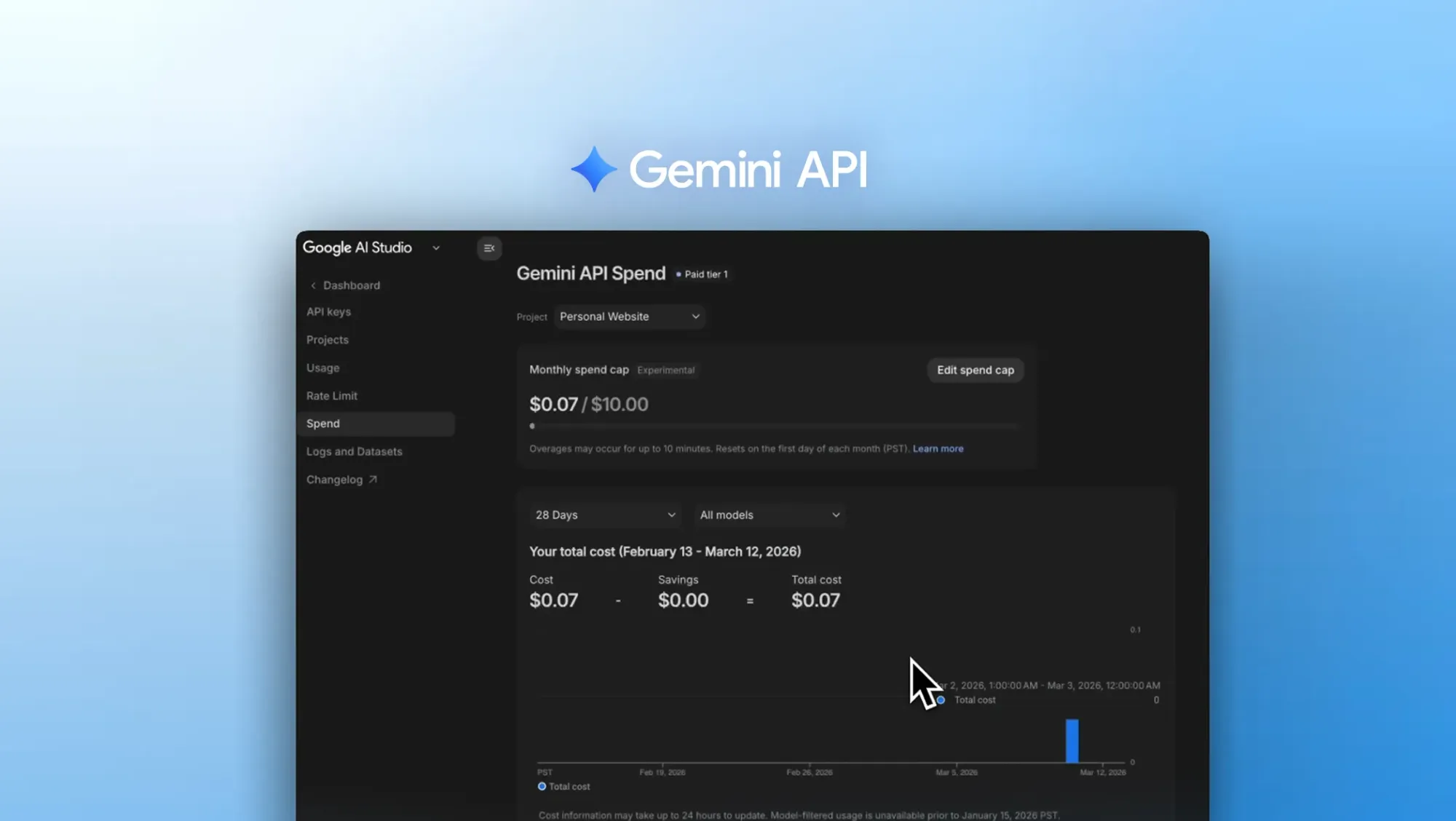
Project Spend Caps are configured by a project owner in Google AI Studio’s Spend tab under “Monthly spend cap.” Once set, the limit stays active until someone modifies or disables it. That persistence matters for teams with multiple projects. A prototype, a production API, and an internal evaluation workload should not have to share one invisible budget simply because they use the same billing relationship.
The important word is project. A project cap creates granular control; it does not make the entire billing account safe by itself. Ownership, environment separation, key attribution, and an escalation path still have to exist around it. The UI can expose a boundary, but it cannot decide whether a new workload deserves access to that boundary.
A ten-minute delay changes what “cap” means
Google’s caveat is the part an implementation plan must not bury: spend caps have a roughly 10-minute delay, and users are responsible for overages incurred during that period. That sentence prevents a dangerous interpretation. A configured cap is not equivalent to a circuit breaker that cuts the next request at the exact dollar threshold.
For a low-volume experiment, the exposure may be manageable. For an agent that can fan out across tools, retry requests, process large inputs, or run unattended, the same delay is an architectural variable. The application may continue admitting work while the provider is catching up with the cap state. A team that promises “the cap stops spend” without documenting the delay has described the product setting inaccurately.
Our recommendation is to model two budgets. The provider budget is the Google control. The application budget is the local decision made before a request is admitted. Track estimated request cost, token usage, retries, concurrency, and queued work; then choose what happens at the application threshold: reject, defer, downgrade, or ask for approval. Keep the provider cap as a second boundary and an invoice-level safeguard.
Usage Tiers solve capacity progression, not budget ownership
Google is also revamping Usage Tiers. The stated goal is higher capacity with less friction while preserving fair access to the API service. Progression becomes automated and transparent: as usage grows and payment history matures, the system can move an account to the next tier, bringing higher rate limits and increased monthly quota when the criteria are met. Google also says the spend qualifications for higher tiers are being reduced.
That is helpful for a growing application, but capacity and budget are different axes. A higher rate limit can make a service more capable of spending quickly. The team still needs an owner for the monthly amount, an explanation of which projects share a billing account, and a rule for what happens when a workload approaches its limit.
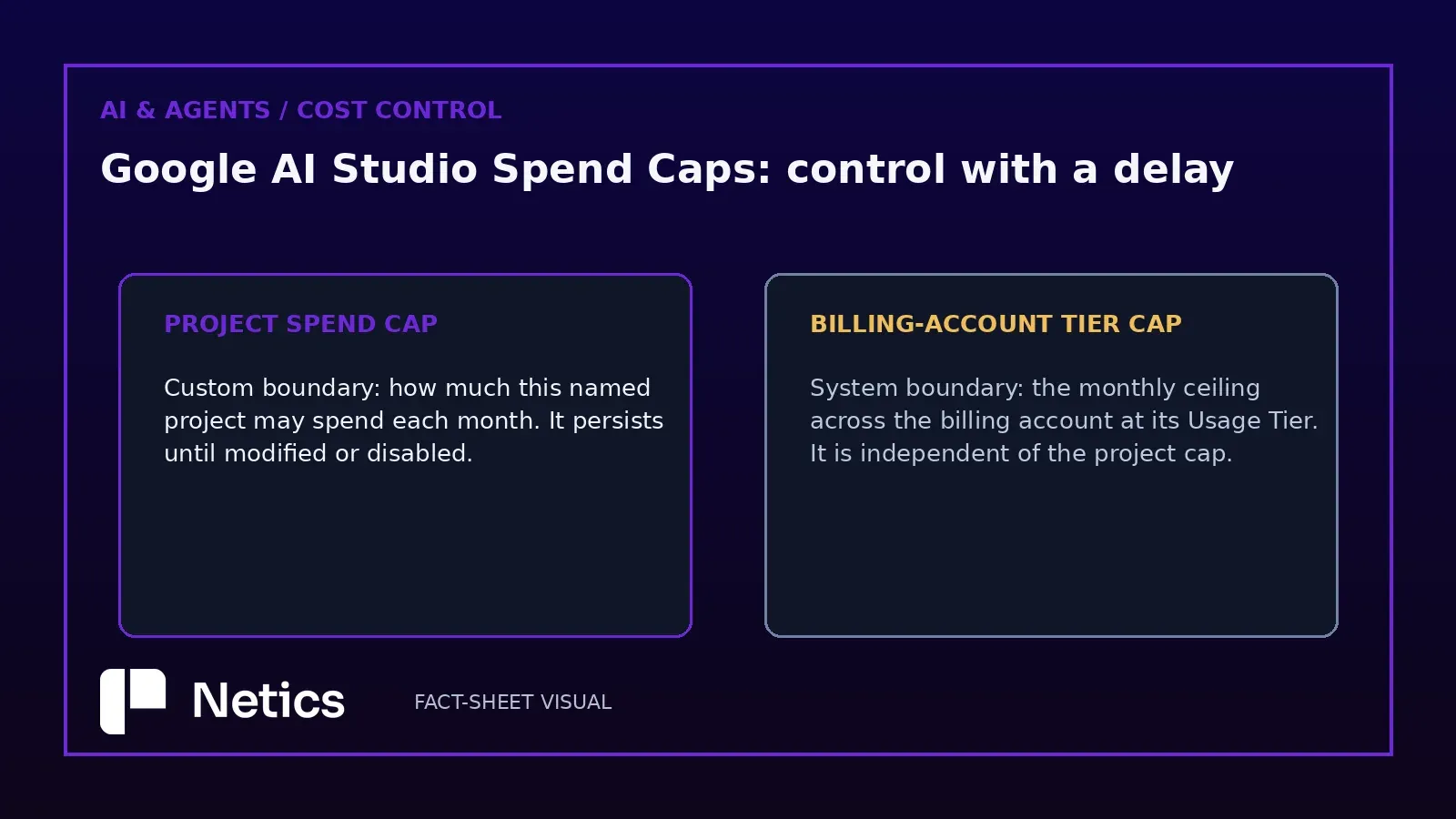
The new billing-account tier cap adds a second provider-defined boundary. Each Usage Tier has a maximum monthly spend enforced across the entire billing account. That system-defined cap increases as an account graduates to higher tiers and operates independently of custom Project Spend Caps. The two controls should therefore appear separately in an internal runbook. A project cap answers “how much may this project spend?” The tier cap answers “how much may the billing account spend at this usage tier?” Neither answers “which request should be admitted right now?”
Dashboards turn cost controls into operating evidence
The surrounding dashboards may be more valuable than the cap itself because they give operators evidence before a limit becomes an incident.
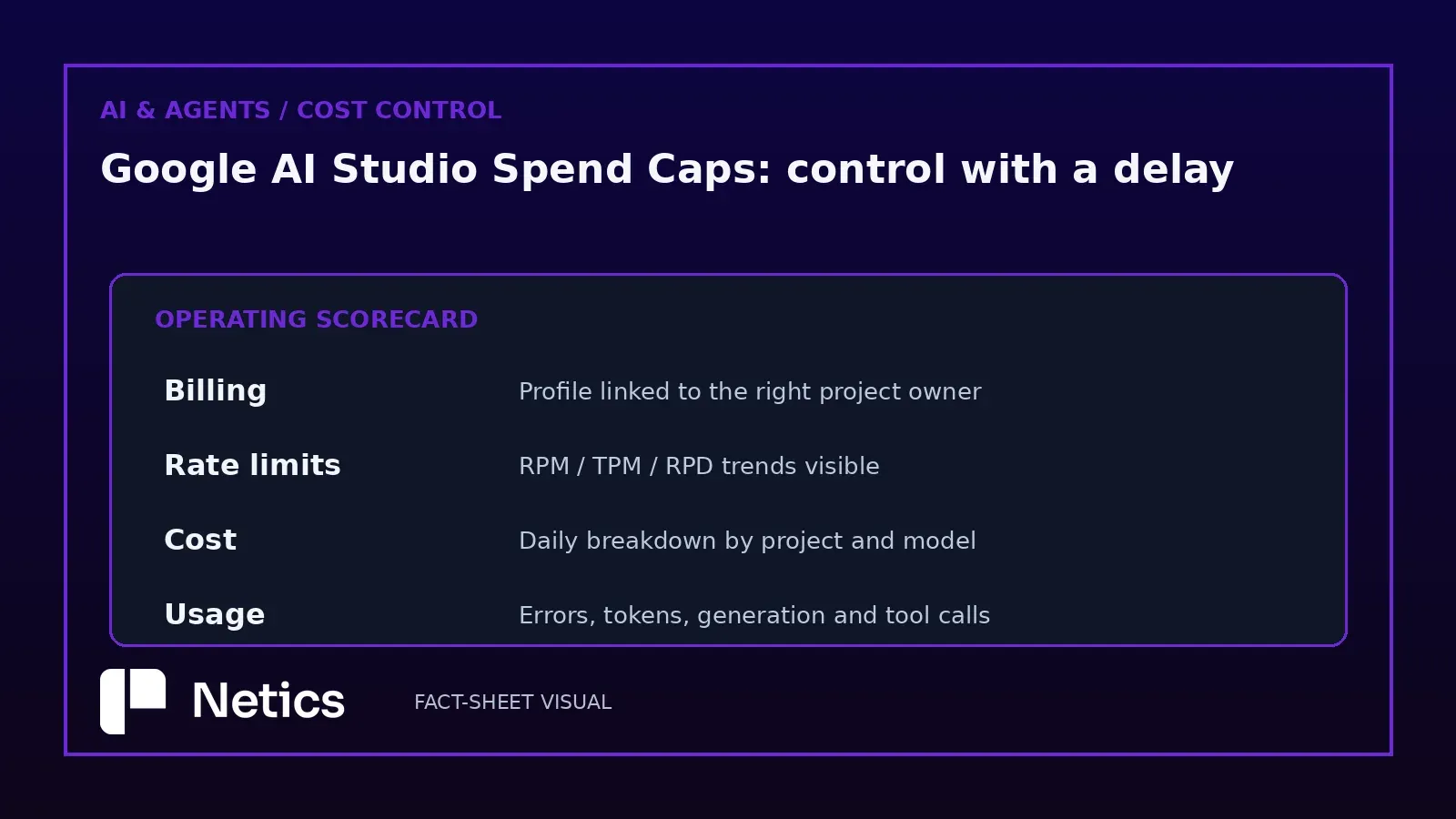
Billing setup is now available directly in Google AI Studio. Developers can configure a billing profile and link it to projects from settings instead of moving between three different windows and tabs. That reduces friction, but it also makes the ownership question unavoidable: which profile pays, which projects are attached, and who can change the connection?
The rate-limit dashboard shows progress for each imported project against Requests Per Minute, Tokens Per Minute, and Requests Per Day. Teams can view and filter graphs, identify traffic spikes, and compare rate limits across models. The cost dashboard adds a Daily Cost Breakdown Graph in the Billing Dashboard, with project-level spend over time frames from the last 7 days to the entire month and filtering by model. The usage dashboard extends beyond request counts to errors, token usage, generation statistics, Imagen requests per day, Veo requests per day, and tools such as Grounding with Google Search and Maps.
Read these dashboards as a control loop, not a collection of screenshots. A useful loop is: observe usage, compare it with the local and provider budgets, change admission behavior, and record who approved the change. For an agent, add tool-level attribution and a maximum work envelope. Without those application-side records, a dashboard tells you what happened but not who allowed it to continue.
The practical design for an agent or API
A sensible implementation keeps the provider controls and local controls explicit:
- Attach every workload to a named project and billing owner.
- Configure a Project Spend Cap appropriate to that workload.
- Record the billing-account tier cap separately; do not treat it as a project budget.
- Monitor RPM, TPM, RPD, cost, errors, and token usage.
- Add an application-side admission limit that accounts for retries and queued work.
- Define a response for the threshold: stop new work, drain safely, downgrade, or request approval.
- Review the roughly 10-minute provider delay in incident and finance procedures.
This is the same control-boundary logic we apply when moving an AI prototype toward production in our Netics production-readiness analysis. Cost is not a finance-only concern once an agent can create requests autonomously. It is part of the request path.
Google’s update is a constructive step because it names the limits, exposes the metrics, and lowers the operational friction around billing setup. The critique is narrower: a cap is a guardrail with delayed enforcement, not an instantaneous kill switch. Treat it as one layer in the architecture, and the feature improves control. Treat it as the whole budget system, and the gap appears when the next ten minutes are the expensive ones.
Sources
- Google: More transparency and control over Gemini API costs — March 16, 2026.
- Google AI for Developers: Billing.
- Google AI for Developers: Rate limits.
Source: More transparency and control over Gemini API costs — blog.google, March 16, 2026