
Picking Your CI/CD Backbone: GitHub Actions or GitLab CI/CD
GitHub Actions or GitLab CI/CD is compared through operational boundaries, permissions, execution, migration, and decision criteria.

TL;DR
GitHub Actions and GitLab CI/CD both automate build, test, and deploy pipelines, but they start from different centers of gravity. GitHub Actions is workflow-first and event-driven, living inside .github/workflows files tied tightly to repository events and reusable-workflow composition. GitLab CI/CD is pipeline-first with a strong built-in concept of environments and runner fleets, and it assumes you're already living inside GitLab's broader DevOps platform. Neither is "better" outright — the right pick depends on whether your organization's control plane is GitHub or GitLab, how much runner infrastructure you want to own, and how you want to scope secrets and permissions. Where Netics stands is summarized through the Decision Matrix and Hypothetical Example.
Where Netics stands
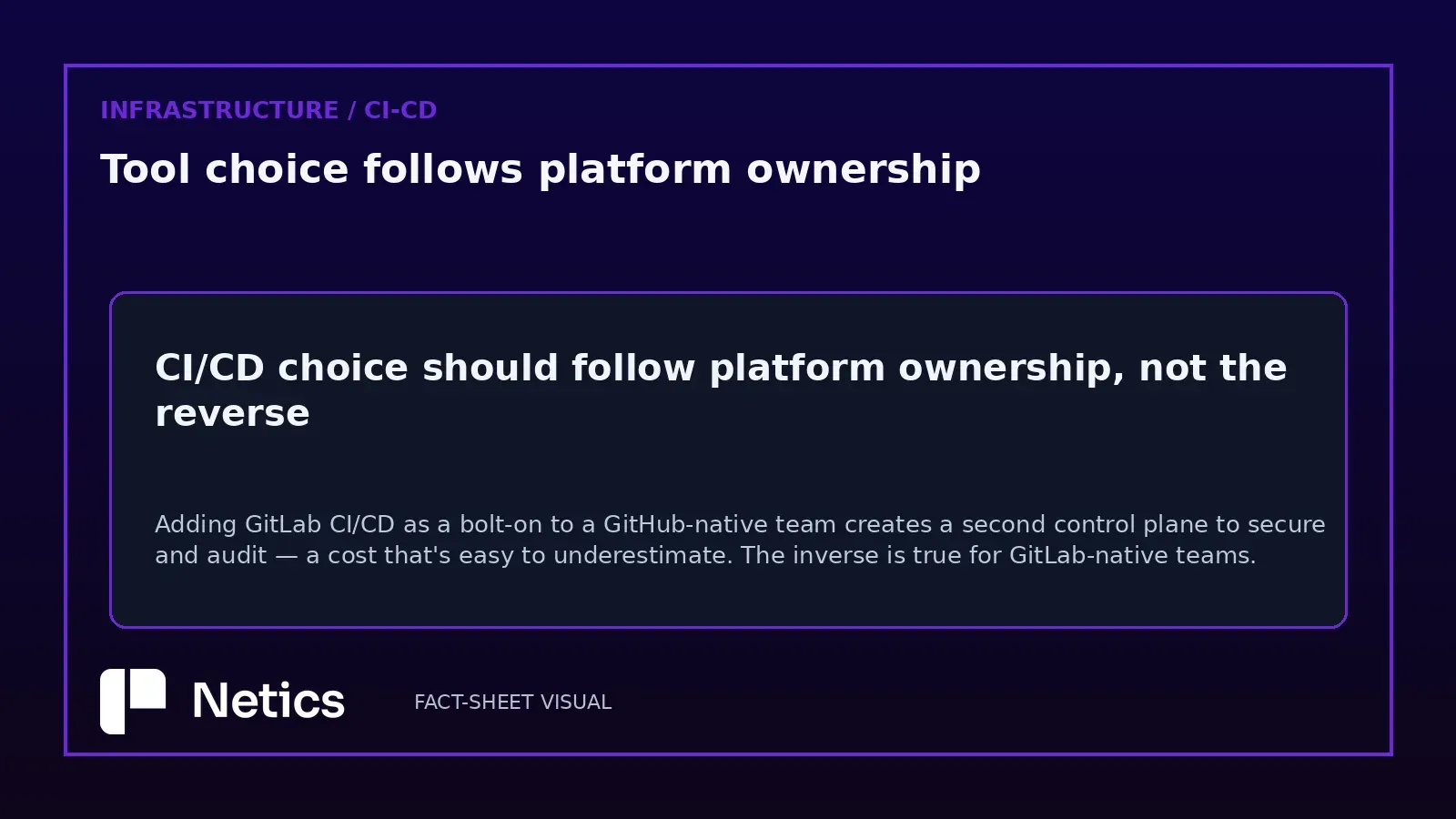
We don't treat this as a religious war. At Netics, our position is that CI/CD tool choice should follow platform ownership, not the other way around. If your source control, issue tracking, and review workflow already live in GitHub, adding GitLab CI/CD as a bolt-on pipeline layer creates a second control plane to secure and audit — a cost that's easy to underestimate. The inverse is true for GitLab-native teams. We only recommend running both when a client has a genuine multi-platform mandate (e.g., mirrored repos for compliance), never as a default architecture.
GitHub Actions: pros and cons
Pros
- Workflow files declare events, jobs, permissions, environments, and reusable-workflow inputs/outputs in one place, which keeps pipeline logic close to the code it builds (GitHub Actions workflow syntax reference [1]).
- Reusable workflows let teams centralize repeatable logic — a shared deploy job, a standard lint-and-test sequence — instead of copy-pasting YAML across repos (Reusing workflow configurations [2]).
- Tight coupling with GitHub events (pull requests, releases, issue comments) makes it natural for GitHub-hosted repos to trigger automation without external webhooks.
Cons
- Reusable workflows come with access and nesting limits, so very deep composition hierarchies (workflow calling workflow calling workflow) hit ceilings that require restructuring rather than just adding another layer.
- Caller and called workflow permissions are constrained by design, which is good for security but means teams must plan permission scopes deliberately rather than granting broad access reflexively.
- Because everything is event-driven from repository activity, complex custom pipeline states (e.g., long-lived manual approval gates spanning multiple environments) sometimes require more workaround logic than a platform built around a first-class pipeline/environment model.
GitLab CI/CD: pros and cons
Pros
- Runners are a first-class, flexible execution model — you select them by tags, type, status, or capacity, and mix GitLab-hosted runners with self-managed ones as your scaling needs change (GitLab Runners documentation [3]).
- Environments are a built-in concept, not something you bolt on: GitLab tracks deployments, supports static and dynamic environments, environment URLs, and dedicated stop jobs for tearing things down cleanly (GitLab CI/CD Environments [4]).
- CI/CD variables give granular control over jobs and pipelines, with explicit guidance to protect and mask sensitive values instead of hard-coding them into configuration (GitLab CI/CD variables [5]).
Cons
- Owning self-managed runners means owning their patching, scaling, and capacity planning — a real operational burden if your team doesn't already run infrastructure.
- The richness of the environments and variables model has a learning curve; teams migrating from a simpler event-driven mental model may over-engineer their first pipelines.
- Full benefit requires living inside GitLab's project structure, which is a heavier commitment than adding a workflow file to an existing GitHub repo.
Decision matrix
| Criterion | GitHub Actions | GitLab CI/CD |
|---|---|---|
| Best fit when... | Repo and collaboration already live in GitHub | Repo and DevOps lifecycle already live in GitLab |
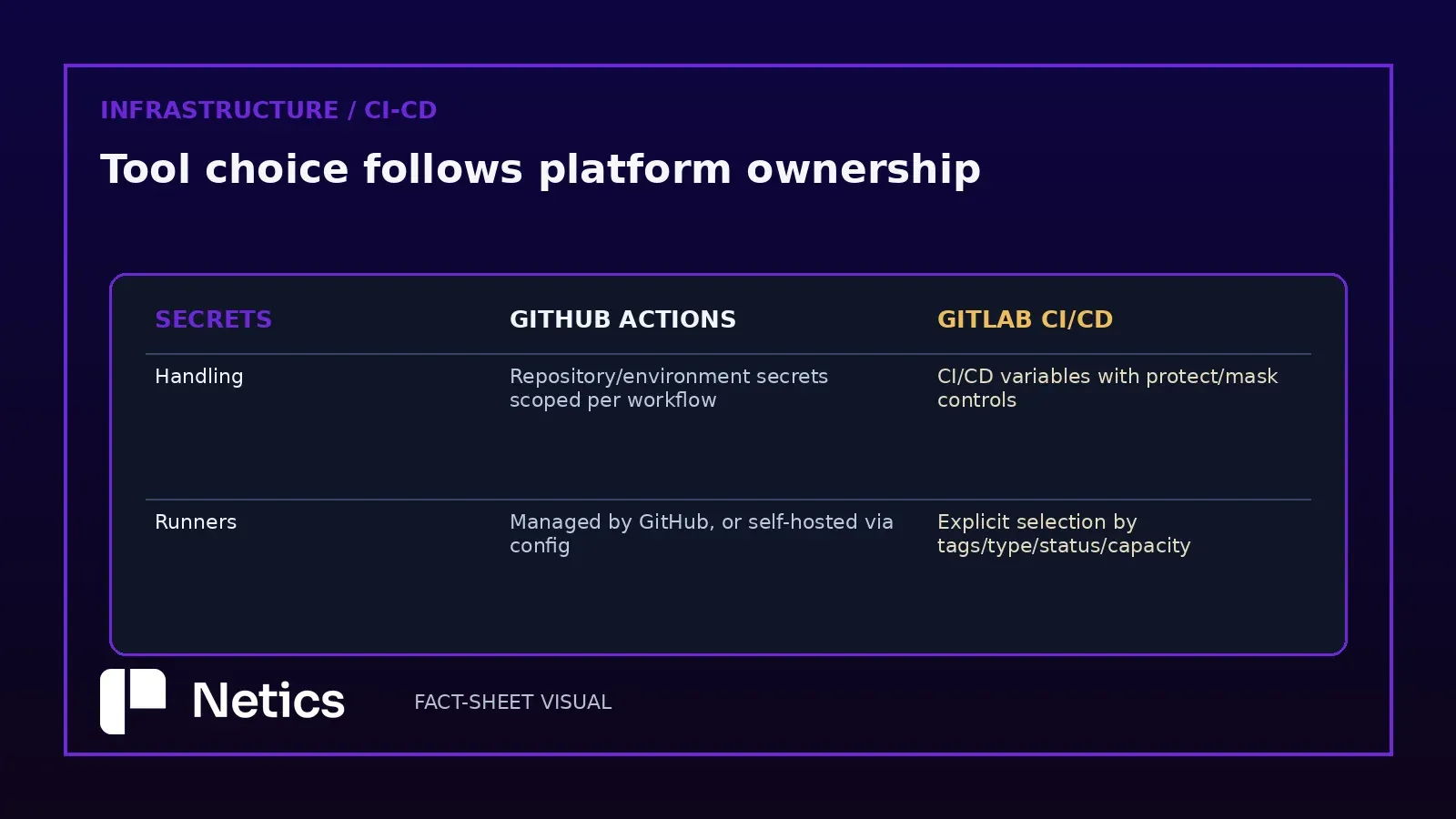
| Runner ownership | Managed by GitHub, or self-hosted via workflow config | Explicit runner selection by tags/type/status/capacity; GitLab-hosted or self-managed |
| Environment modeling | Environments declared in workflow YAML | Built-in environments with deployment tracking, URLs, stop jobs |
| Reuse pattern | Reusable workflows with defined inputs/outputs, subject to nesting/access limits | Includes and templates within GitLab's pipeline config |
| Secrets handling | Repository/environment secrets scoped per workflow permissions | CI/CD variables with protect/mask controls, explicit guidance against hard-coding |
| Coupling risk | Tied to GitHub repository events | Tied to GitLab project and pipeline lifecycle |
We deliberately left pricing and raw feature-parity claims out of this matrix — those change often enough that a snapshot here would go stale within a quarter. Verify current tiers directly against each vendor before committing budget.
Hypothetical example
Imagine a 12-person engineering team, a hypothetical engineering team, running a Django backend and a React frontend, both hosted on GitHub. They currently deploy via a hand-rolled shell script triggered manually from a developer's laptop — a fragile, undocumented process.
If a hypothetical engineering team stays on GitHub, the natural move is a GitHub Actions workflow: one job runs tests on every pull request, a second reusable workflow (shared between backend and frontend repos) handles the build-and-push-to-registry step, and permissions are scoped so the deploy job only has write access to the specific environment it targets. This keeps the pipeline logic next to the code, with no second platform to onboard.
If instead a hypothetical engineering team were already running GitLab for issue tracking and merge requests, the better move would be GitLab CI/CD: define staging and production as environments with their own URLs and stop jobs, tag a small self-managed runner pool for GPU-dependent test jobs, and store deployment credentials as protected, masked CI/CD variables rather than checking them into .gitlab-ci.yml. The environment tracking alone would give them deployment history without building a separate dashboard.
The deciding factor isn't which tool is "more powerful" — it's which platform already holds the team's source of truth for code review and issue tracking.
Bottom line
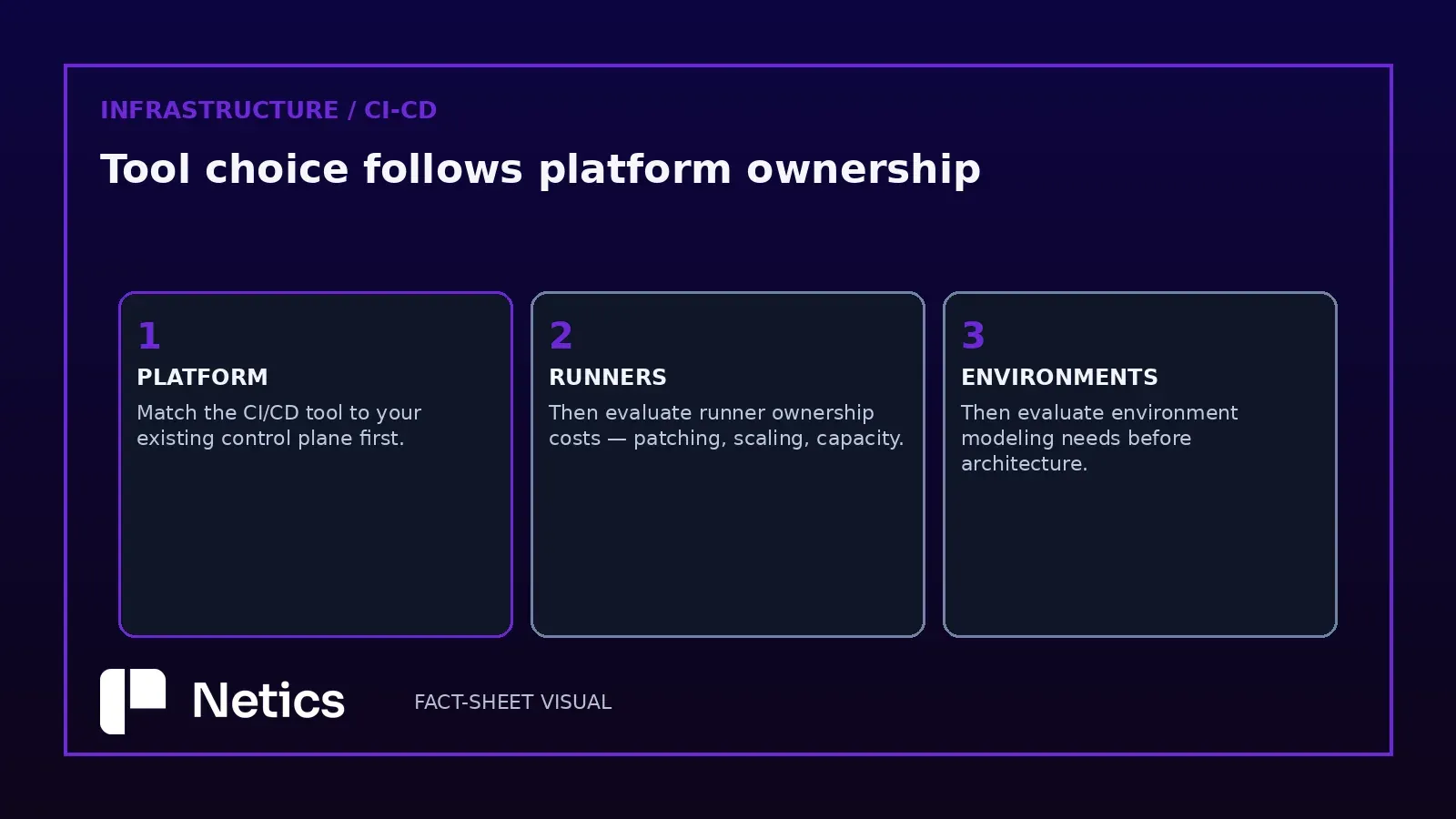
Both systems are mature, well-documented, and capable of running production-grade pipelines. Match the CI/CD tool to your existing control plane first, then evaluate runner ownership costs and environment modeling needs before designing your pipeline architecture. For deeper platform-specific technical guidance, see our engineering resources on the Netics homepage. You can also visit Netics.