
Siri AI Makes Personal Context the New iPhone Interface
Apple’s released Siri AI brings personal context, onscreen awareness, systemwide actions and a Camera app Siri mode to iPhone, with a beta rollout and regional caveats.

TL;DR
- Apple’s released Siri AI brings personal context understanding, broader web knowledge, onscreen awareness and more systemwide app actions to the 2027 software releases.
- On iPhone, the practical change is a shorter path from a question to information already spread across messages, email, photos, the screen and supported apps.
- A new Siri mode in the Camera app extends Visual Intelligence to what is in front of the phone, including turning a festival poster into multiple calendar events.
- The launch begins as an English beta. Apple says French and other languages expand next month, while the most capable on-device model remains tied to listed hardware, memory, age and regional conditions.
Apple’s announcement is easy to reduce to “a smarter Siri.” The more important change is where the assistant gets its usefulness. Siri AI can draw on a user’s personal context, interpret what is onscreen and reach into systemwide actions. The iPhone becomes less of a set of separate app destinations and more of a context surface from which the user can ask for the next step.
The promise deserves a careful reading. The release describes a user-facing product that is available today in beta, not a universal capability with identical behavior on every iPhone and in every language. The details of rollout matter as much as the demo.
Personal context gives Siri a reason to remember the question
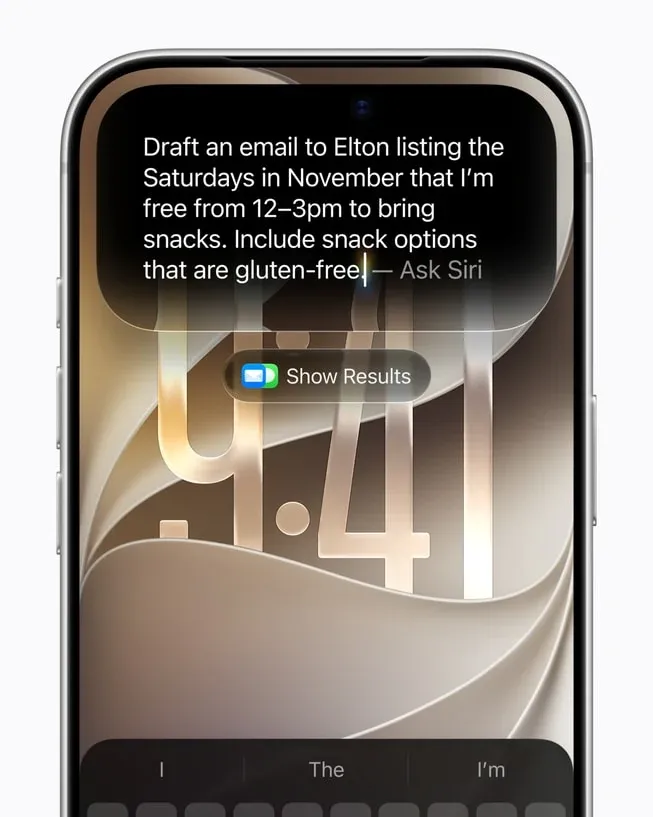
Apple says Siri AI can work across messages, emails, photos and more to find information in the moment. Its example is deliberately ordinary: a user asks what a family member suggested for an upcoming visit. Siri searches messages, finds a wish to bake a family recipe, retrieves instructions from an earlier email and adds ingredients to Reminders.
The sequence shows the real product boundary. The value comes from joining several existing records and then completing a task in another app. The model’s answer matters, but the user experience depends on context selection, app permissions, action confirmation and a useful recovery path when the assistant chooses the wrong thread or recipe.
Apple also names systemwide actions such as drafting an email from scratch or editing and sharing a set of photos. The release says Siri already works with apps across Apple’s developer ecosystem, including actions in WhatsApp and Audible, and that Outlook, Notability and Tripsy integrations are coming. Availability of an action therefore depends on the app integration as well as Siri itself.
For operators, this is a different evaluation target from a chatbot benchmark. Test whether Siri retrieves the right personal record, identifies the right recipient, preserves the intended tone and asks for confirmation before an external effect. A fluent answer with a wrong action remains a failed workflow.
The shift also connects to the broader production lesson in Production AI Starts Beyond the Model: the model is one component of a system that needs boundaries, observability and a way to undo mistakes.
Onscreen awareness shortens the distance between seeing and doing
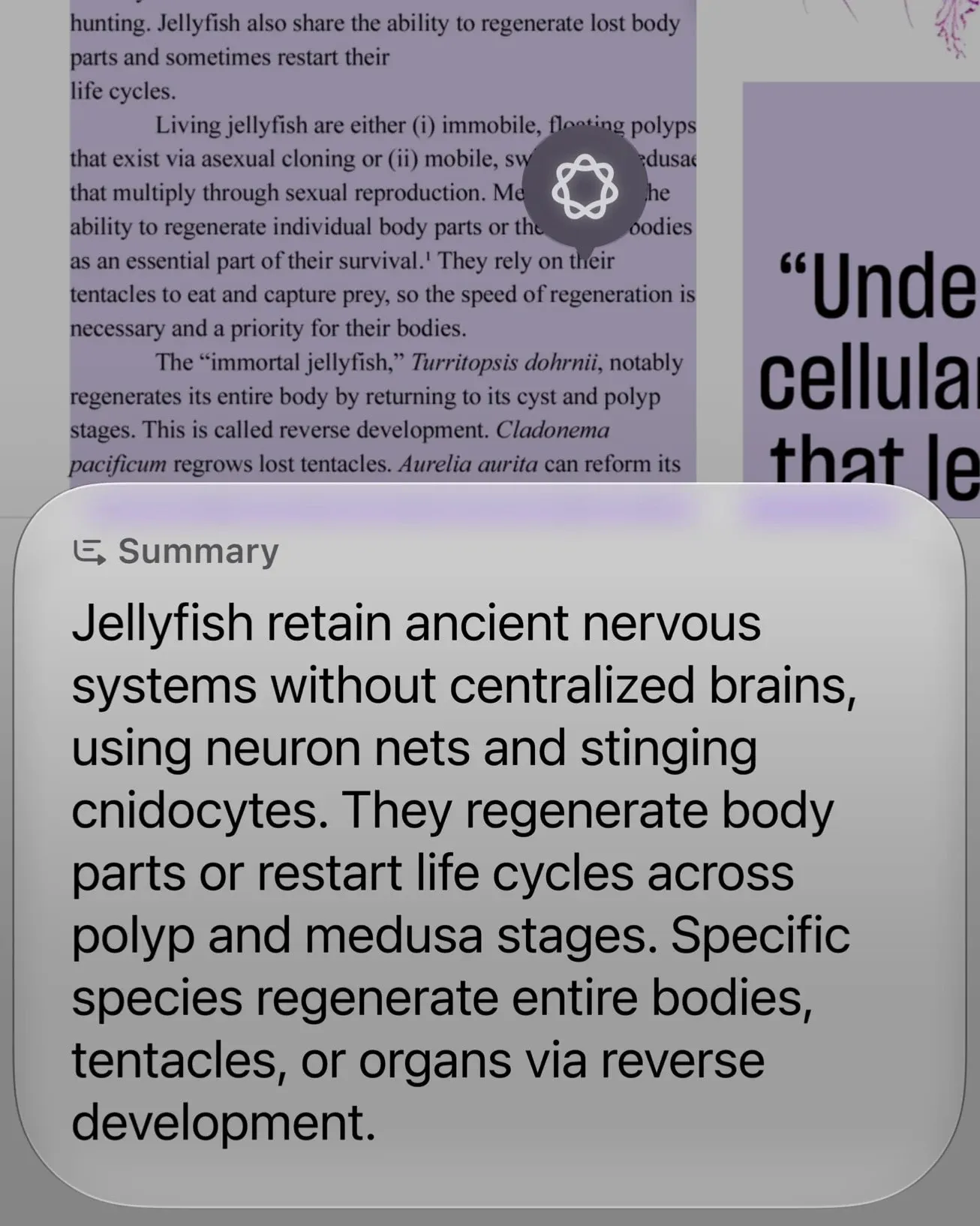
Onscreen awareness gives Siri a second kind of context. The user can ask about what is currently displayed and request a related action. Apple’s example uses a sports team website: Siri finds upcoming home games and adds them to the calendar.
The appeal is obvious because it removes a small but repeated friction. The user does not have to copy a team name, open a search page, find the schedule, create several events and switch back. The screen becomes the starting point for the task.
The convenience also creates a new test for reliability. A page can contain several dates, multiple teams, sponsored links and ambiguous time zones. A responsible assistant must identify the relevant content, show what it plans to add and leave the user in control of the calendar write. Onscreen awareness should therefore be judged by the quality of its handoff from interpretation to action, not only by whether it can describe an image or page.
Apple says users can extend almost any response into a richer conversation and invoke Siri across the system. On iPhone, the side button and a swipe down from the Dynamic Island can start the interaction. The assistant is meant to remain close to the current task rather than force a separate destination for every question.
Camera mode turns Visual Intelligence into an everyday input
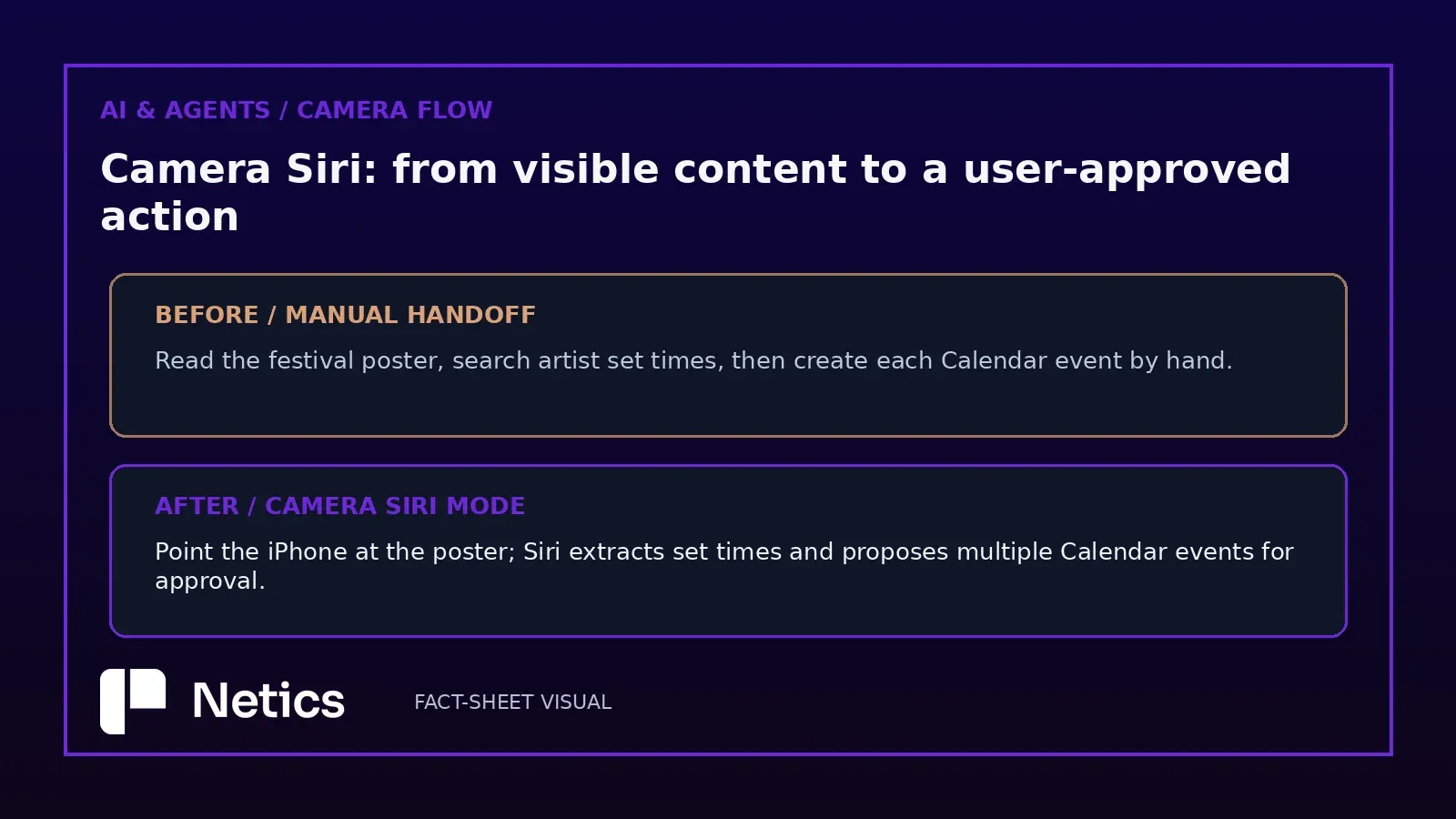
Visual Intelligence expands the same idea beyond the display. Apple says Siri’s multimodal capabilities are integrated into the Camera app through a new Siri mode, allowing users to ask about what is in front of them and take action on it.
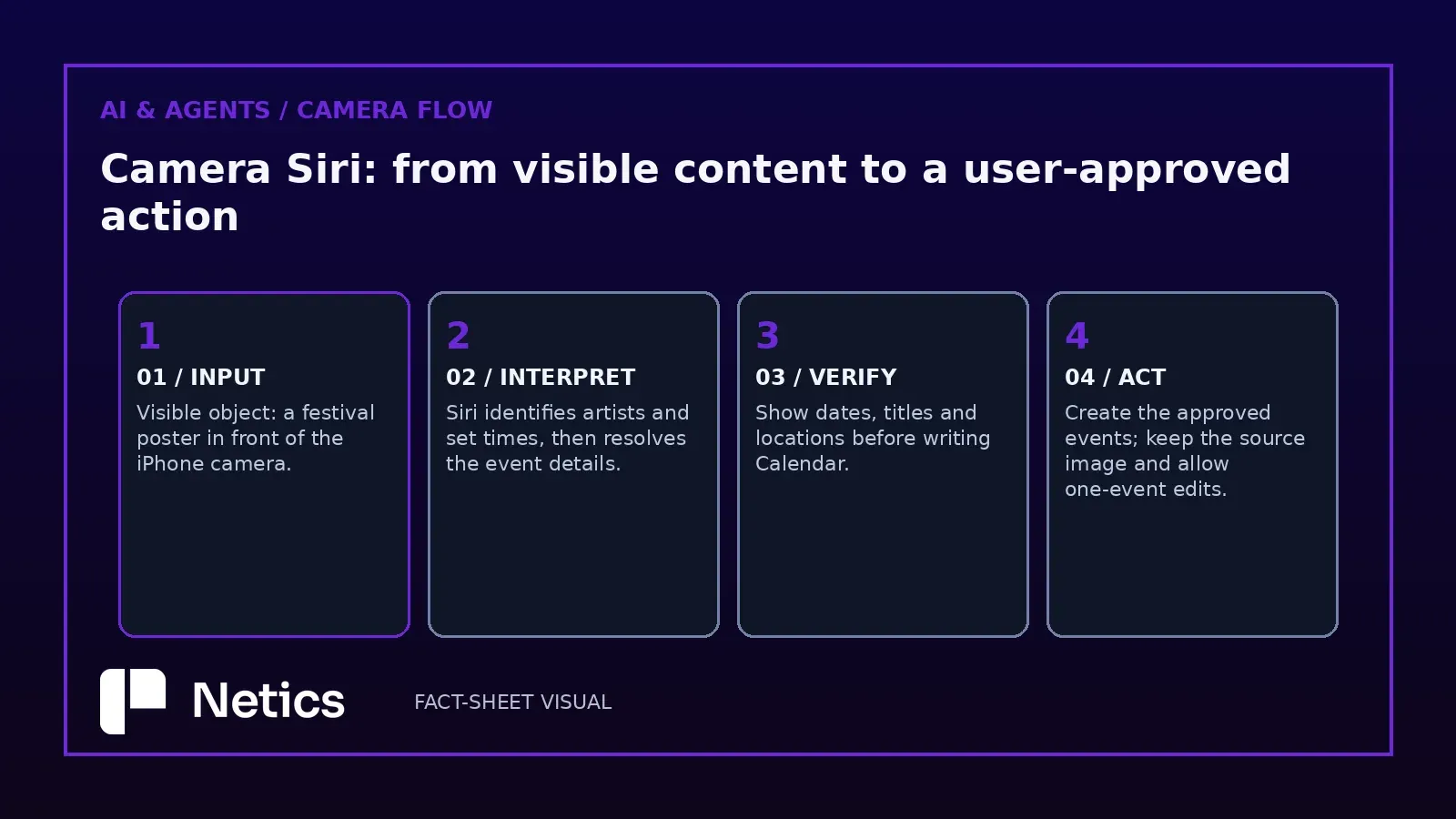
The release’s festival-poster example is concrete. A user points the iPhone at the poster, asks for the set times of favourite artists and asks Siri to create multiple calendar events for the weekend. The camera is no longer only a capture tool in this interaction; it becomes a way to identify an object, extract structured information and route it into a personal workflow.
The product could become habit-forming here. A menu, museum label, event poster, product package or notice can become a question without manual transcription. Yet the visible object is only the beginning of the chain. Recognition, web lookup, date interpretation and calendar creation each add opportunities for an error.
Our recommendation is simple: treat camera actions as proposed transactions. Show the extracted dates, locations and titles before they enter Calendar. Keep the source image available for inspection. Let the user edit one event without rebuilding the whole request. These small details will decide whether Visual Intelligence feels dependable or merely impressive.
Availability is part of the product, not a footnote
Apple says Siri AI begins rolling out in beta in English and will expand to French, Japanese, Korean, Portuguese and Spanish next month. That timing means a French-speaking user reading the announcement on launch day should distinguish the announcement from immediate access in French.
The release also lists hardware limits for Apple’s most powerful on-device model and features such as expressive voices and advanced dictation. Apple names iPhone Duo, iPhone 18 Pro, iPhone 18 Pro Max, iPhone Air, iPhone 17 Pro and iPhone 17 Pro Max, along with specified iPad, Mac and Vision Pro configurations. The listed iPhone, iPad and Mac models require at least 12GB of unified memory for that model tier. Siri AI is also unavailable for users under 13, according to Apple’s footnotes.
Those caveats do not erase the launch. They define its first operating envelope. Apple also says Siri AI is not initially available in the EU on iOS, iPadOS and watchOS, while Siri AI and the other new Apple Intelligence features are not initially available in China as Apple works through regulatory requirements. Beta software can change, integrations can arrive at different times and some capabilities depend on language, device and region. Users should check the version and support page for their own configuration rather than infer availability from a demonstration made on another device.
The useful question for Apple is now practical: can personal context and visual input become trusted action surfaces without making the user supervise every step? Siri AI has the ingredients—context, screen awareness, Camera mode and app actions. The beta will show whether the handoffs are accurate enough for daily use. Netics follows these production boundaries at https://neticslabs.com/.
Sources
- Apple Newsroom, “Siri AI, a profoundly more capable and personal assistant powered by the next generation of Apple Intelligence, is here,” updated September 14, 2026: https://www.apple.com/newsroom/2026/09/siri-ai-a-profoundly-more-capable-and-personal-assistant-is-here/
Source: “Siri AI, a profoundly more capable and personal assistant powered by the next generation of Apple Intelligence, is here” — Apple Newsroom, September 14, 2026.