
Proxmox VE vs VMware vSphere: An Operational Comparison
Proxmox VE vs VMware vSphere: compare licensing, architecture, storage, backup, and migration risk before choosing.

TL;DR
Proxmox VE and VMware vSphere differ in operating model, licensing, virtualization stack, clustering, storage, backup, and migration paths. The decision covers operating model and architecture, licensing, clustering and high availability, virtualization stack and storage, backup and restore, migration paths from VMware to Proxmox VE, operational risks and decision criteria, and the Netics view.
Operating model and architecture
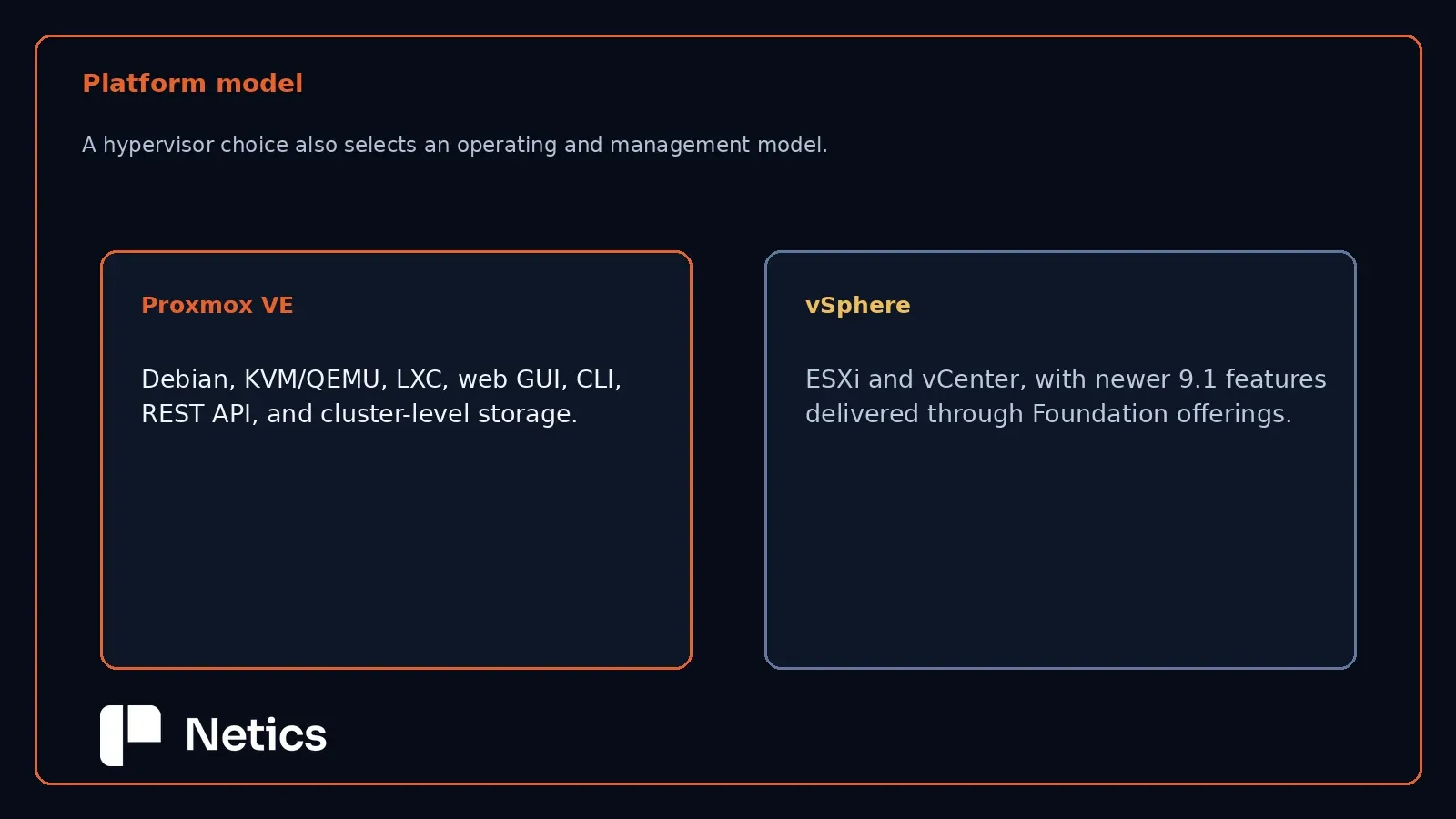
Proxmox VE is built on Debian GNU/Linux, using a customized Linux kernel and standard Linux configuration mechanisms wherever possible (for example, network configuration through /etc/network/interfaces). Full virtualization runs on KVM/QEMU, with LXC available for OS-level (container) virtualization on the same host. Management is unified across a web-based GUI, a CLI, and a REST API, and Proxmox VE–specific configuration is stored in /etc/pve, synchronized across cluster nodes by the Proxmox Cluster File System (pmxcfs).
VMware vSphere is a proprietary enterprise virtualization suite from Broadcom, built around the ESXi hypervisor and vCenter Server for centralized management. As of the 9.1 release, vSphere is sold as two standalone editions (Standard and Enterprise Plus, capped at the 8 Update 3 line) or as a component bundled into VMware Cloud Foundation and VMware vSphere Foundation, which is where newer 9.1 features — including Kubernetes runtime services, AI services, and expanded vSAN capabilities — are delivered.
Practical difference: Proxmox VE presents a single, Linux-native administrative surface across compute, storage, and networking. vSphere's architecture is more layered, with capability tiers gated by product edition, which shapes both the initial deployment and long-term licensing conversations described below.
Licensing
Proxmox VE's source code is released under the GNU Affero General Public License v3 (AGPLv3). There are no alternative license types and no OEM licensing option, though Proxmox VE can be bundled with other software as long as AGPLv3 terms are respected. All features are available at no cost; a paid subscription (Basic, Standard, or Premium) adds access to the Enterprise repository — the stable, extensively tested update channel recommended for production — plus vendor technical support. Each node in a cluster requires its own subscription, and all nodes in a cluster must share the same subscription level.
VMware vSphere licensing is tiered by product edition. Per the official product-line comparison, capabilities such as Distributed Resource Scheduler (DRS), Storage DRS, per-VM Enhanced vMotion Compatibility, and Instant Clone are only available from Enterprise Plus upward. Advanced storage capabilities (vSAN Express Storage Architecture, data-at-rest/in-transit encryption, erasure coding), Kubernetes runtime services, and VCF Operations management are exclusive to vSphere Foundation or VMware Cloud Foundation. Base features like vMotion, Storage vMotion, and HA are available starting at the Standard edition.
Practical difference: Proxmox VE's licensing cost is decoupled from feature access — the subscription buys support and update stability, not functionality. vSphere's licensing cost is directly tied to which features an organization needs, which means the total cost of ownership depends heavily on which edition or bundle a given workload profile requires.
Clustering and high availability
Proxmox VE clusters are multi-master: any node can manage the cluster, and there is no dedicated master node. Membership operates via quorum (majority vote), with each node contributing one vote; a stable cluster needs at least three votes, so three nodes is the recommended minimum. Two-node clusters can use a QDevice to supply an additional vote. Cluster communication runs over the Corosync protocol, which supports up to eight networks and can automatically fail over between them.
For HA specifically: nodes report presence every 10 seconds. If a node stops responding, the cluster waits roughly two minutes before recovering its HA guests elsewhere, provided the guest's resources (notably shared storage) are available on the remaining nodes. If a node loses its Corosync connection to the quorate cluster and cannot reconnect within about a minute, it fences itself — a hard reset — to guarantee the failed guests are truly down before recovery starts elsewhere. Proxmox VE's documentation is explicit that there is currently no lockstep fault-tolerance mechanism comparable to VM-level continuous availability (the COLO feature in QEMU/KVM is still under development).
VMware vSphere provides HA as a base feature from the Standard edition, with Proactive HA (which preemptively evacuates VMs from degrading hosts) reserved for Enterprise Plus and above. vSphere also offers Fault Tolerance, which VMware describes as protecting a VM with a live shadow instance; on Standard it is limited to 2 vCPUs, while Enterprise Plus and above lift that constraint. DRS, Storage DRS, and Distributed Power Management — which handle automated load balancing and power optimization across a cluster — are Enterprise Plus features.
Practical difference: Both platforms provide restart-based HA as a baseline. vSphere's Fault Tolerance offers a stronger continuity guarantee (live shadow VM) that Proxmox VE does not currently match; Proxmox VE's HA model instead relies on quorum, fencing, and shared-storage recovery, and depends on a well-designed, redundant Corosync network to avoid false-positive fencing.
Virtualization stack and storage
Proxmox VE's storage layer is plugin-based, supporting LVM, LVM-thin, iSCSI (kernel and libiscsi), Ceph/RBD, ZFS (local and over iSCSI), directory storage, NFS, CIFS, GlusterFS, and Proxmox Backup Server as a storage target. Storage is categorized as file-level (directory-structured, supports formats including the preferred qcow2) or block-level (raw block devices such as ZFS, Ceph RBD, or thin LVM, where snapshot capability comes from the storage layer itself). Proxmox's own migration documentation recommends Ceph for shared storage, while noting several supported patterns for reusing existing SAN/NAS hardware — including LVM-thick over iSCSI/FC LUNs, with a technology-preview "Snapshots as Volume-Chain" feature to add snapshot support to that otherwise snapshot-limited configuration.
vSphere's storage stack centers on VMFS and vVols across Fibre Channel, iSCSI, FCoE, and NVMe transports, plus NFS v3/v4.1, all available from the Standard edition. Storage Policy-Based Management and I/O Controls scale up through Enterprise Plus. The vSAN hyper-converged stack — including the Express Storage Architecture, all-flash hardware, deduplication, erasure coding, and rack-awareness/fault domains — is exclusive to vSphere Foundation and VMware Cloud Foundation, positioning vSphere's HCI capability as a bundle-level feature rather than a Standard/Enterprise Plus one.
Practical difference: Proxmox VE ships a broad, natively-integrated set of storage backends (including Ceph) as part of the base product. vSphere separates core external-storage support (available broadly) from its HCI/vSAN capability (gated to the higher-tier Foundation bundle) — an important distinction if hyper-converged storage is part of the target architecture.
Backup and restore
Proxmox VE integrates backup through two mechanisms: the archive-based vzdump tool, built into the platform, and the dedicated Proxmox Backup Server. Both produce full backups; Proxmox Backup Server adds deduplication and incremental backup of running VMs (via dirty-bitmap/changed-block tracking), plus live-restore, where a VM can be powered on while its restore is still completing in the background.
vSphere's product comparison lists vCenter File-Based Backup and Restore and vSphere Replication as base capabilities across all editions, with VMware Live Recovery listed as a Foundation-tier capability alongside broader data protection and recovery services.
Practical difference: Proxmox VE's backup story is opinionated and vertically integrated (vzdump plus Proxmox Backup Server, both from the same vendor). vSphere's base backup/restore is more limited out of the box, and organizations often layer third-party backup tooling on top — a common pattern in both ecosystems that this comparison does not evaluate further, since it falls outside the captured sources.
Migration paths from VMware to Proxmox VE
Proxmox VE's own migration documentation, written with VMware as the primary source hypervisor, outlines multiple paths:
- Automatic import of a full VM directly from supported sources, including a documented step-by-step ESXi import flow and a live-import option.
- Manual migration via several methods: restoring from an existing backup, cloning directly, importing an OVF package, or importing a disk image using
qm disk import(withraw,vmdk, orqcow2as target formats —qcow2being QEMU/KVM's native format). - Attach Disk & Move Disk, a minimal-downtime method where a VM's
.vmdkfiles are made available to both the VMware and Proxmox VE clusters via a shared network path, started directly on Proxmox VE, and then live-migrated to final storage. Proxmox's documentation explicitly warns that a VM must never be powered on in both platforms simultaneously, as this risks disk corruption.
Post-migration steps commonly include updating network adapter configuration (names typically change) and installing VirtIO drivers for Windows guests, since only IDE or SATA disk controllers work out of the box immediately after migration.
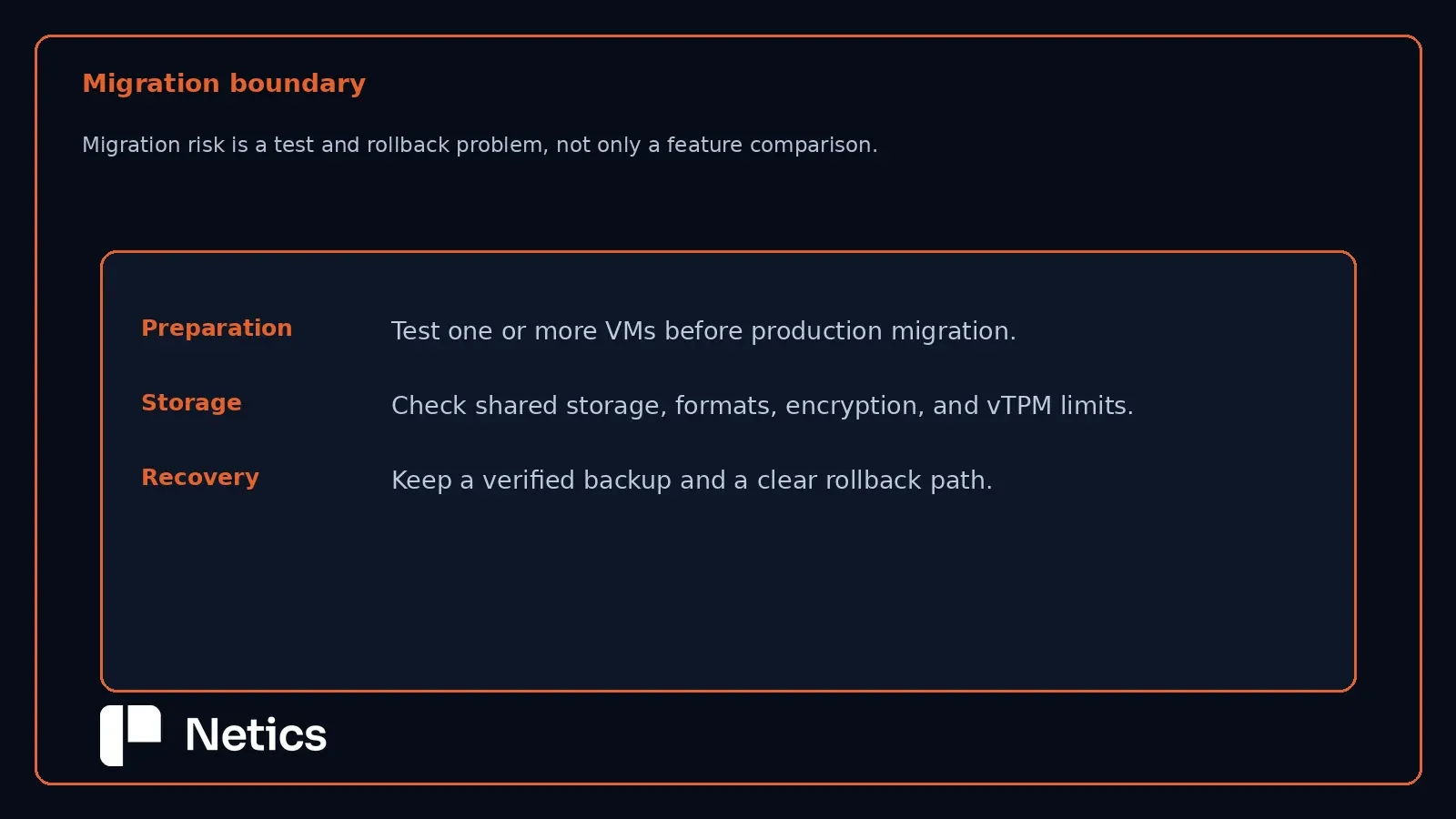
This is the section where testing matters most. Every migration path described above changes disk formats, boot configuration, or network adapter identity, and Windows guests specifically require a driver-switch step after the fact. None of this should be attempted directly against production workloads. A representative subset of VMs — covering the OS versions, disk layouts, and application types actually in use — should be migrated to a non-production Proxmox VE cluster first, validated for boot behavior, driver compatibility, and application function, and only then scheduled for a production cutover with a rollback plan.
Operational risks and decision criteria
- Team skill fit. Proxmox VE assumes comfort with Linux administration; vSphere assumes familiarity with VMware's own tooling and abstractions. Neither is inherently harder, but the mismatch cost is real if a team has deep expertise in only one.
- Feature-to-edition mapping in vSphere. Because capabilities like DRS, Fault Tolerance beyond 2 vCPUs, and vSAN are edition- or bundle-gated, a vSphere deployment plan needs to map required features to a specific SKU before cost comparisons with Proxmox VE are meaningful.
- Corosync network design in Proxmox VE clusters. HA reliability depends on a dedicated, low-latency Corosync network; sharing that link with storage or backup traffic risks false-positive node fencing and unplanned cluster-wide disruption.
- Shared storage is a prerequisite for HA on both platforms. Neither platform's HA model works well without shared storage (or, on Proxmox VE, asynchronous ZFS replication with its inherent data-loss window).
- Migration is a project, not a switch. vmdk-to-qcow2 conversion, driver replacement, and network reconfiguration are all manual or semi-automated steps with documented edge cases (e.g., TPM-backed snapshot limitations, unsupported file systems). Budget for a pilot migration and a validation window before any cutover.
Netics' view
Neither platform is a drop-in replacement for the other, and the official documentation from both vendors does not support a blanket recommendation. Proxmox VE offers a fully-featured, cost-transparent, Linux-native platform where the subscription buys support and stability rather than functionality — a strong fit for teams with Linux operations experience and a preference for open licensing. VMware vSphere offers a more mature, edition-tiered enterprise ecosystem with capabilities (like true VM-level fault tolerance and integrated Kubernetes/AI services at the Foundation tier) that map to enterprise IT organizations already invested in the VMware stack. The right choice depends on existing team skills, the specific feature tier required, and licensing budget — not on which platform is "more enterprise."
Organizations evaluating a migration in either direction should treat it as an infrastructure project with a pilot phase, not a weekend cutover — more general guidance on Netics' approach to infrastructure decisions is available on the Netics blog.
Sources
- Proxmox — Comparing Server Virtualization Software: Proxmox VE vs vSphere, Hyper-V, Xen [1]
- Proxmox — Migrate to Proxmox VE (wiki) [2]
- VMware/Broadcom — vSphere 9.1 Product Line Comparison [3]
Netics publishes practical infrastructure comparisons at https://neticslabs.com.
For a context-specific architecture review, book a free 30-minute audit with Netics.