
"MCP Tools vs. Resources vs. Prompts: Choosing the Right Primitive for Enterprise Integrations"
MCP tools, resources, and prompts serve different jobs — this comparison helps enterprise teams pick the right primitive for each integration.

TL;DR
This comparison explains What the MCP Specification Actually Defines; Tools: Model-Controlled Actions; Resources: Application-Driven Context; Prompts: User-Controlled Templates; Shared Protocol Mechanics Across All Three; Security and Trust Considerations; Netics analysis: Choosing the Right Primitive for an Enterprise Integration. The practical choice depends on workload, governance, operational ownership, and the constraints documented by the primary sources.
What the MCP Specification Actually Defines
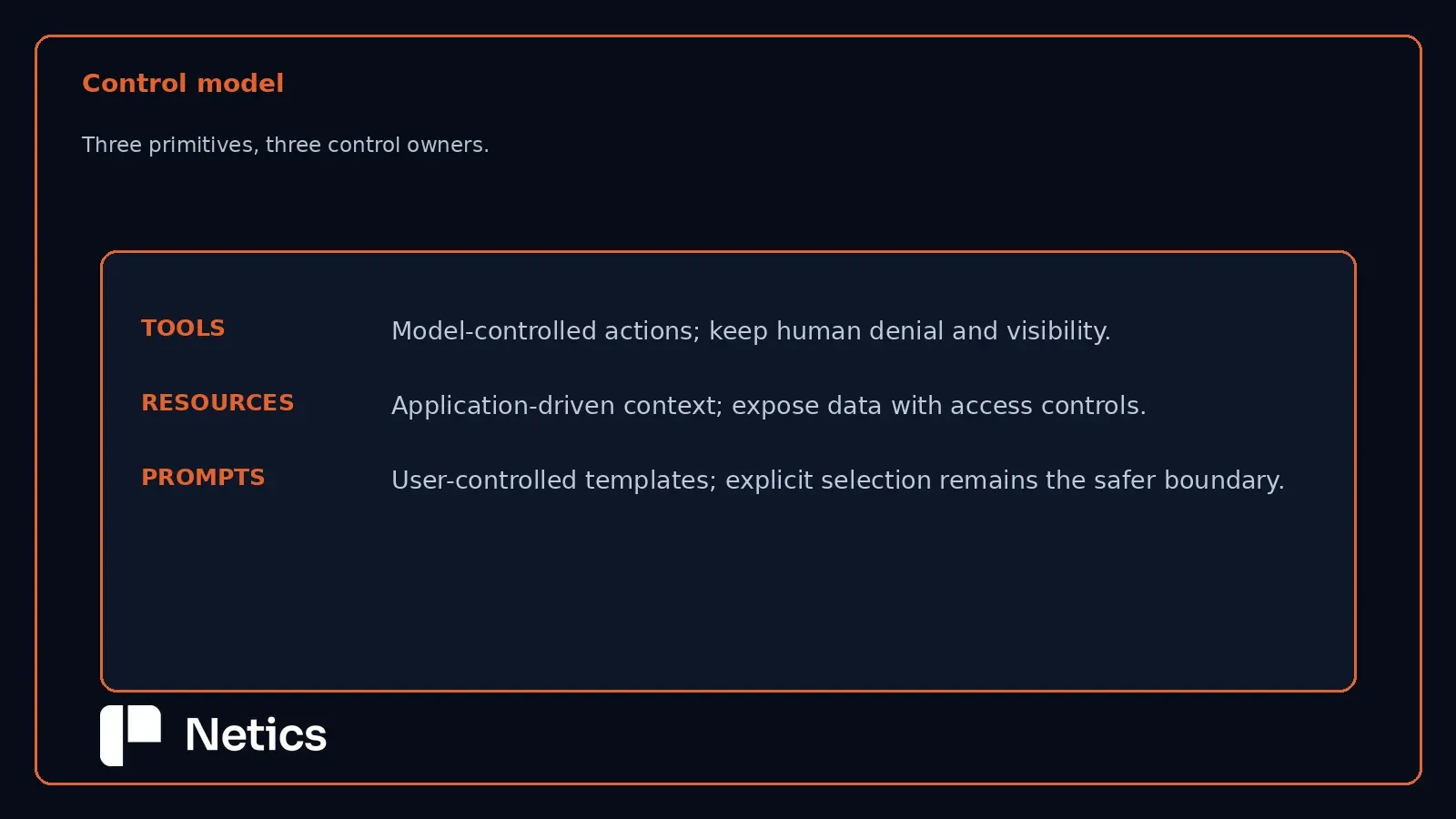
MCP is described in the specification as an open protocol that enables seamless integration between LLM applications and external data sources and tools, using JSON-RPC 2.0 messages between hosts, clients, and servers. Per the specification, servers offer any of the following features to clients: Resources: Context and data, for the user or the AI model to use[;] Prompts: Templated messages and workflows for users[;] Tools: Functions for the AI model to execute. That single sentence is the whole taxonomy — three primitives, three different relationships between the AI model, the user, and the data or action being exposed. Getting the distinction right is a design decision that determines who is in control at the moment the primitive is used.
Tools: Model-Controlled Actions
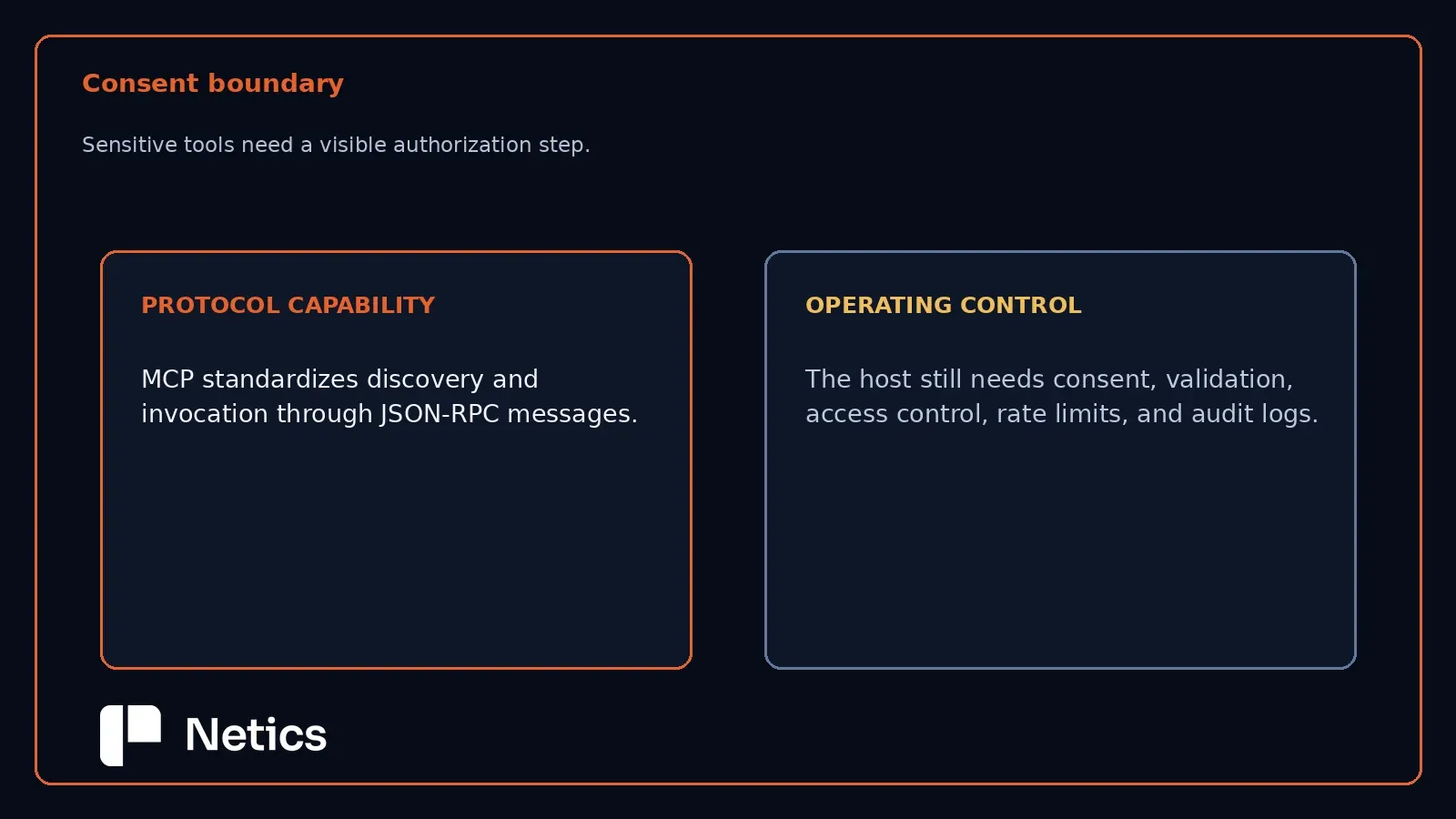
Per the MCP tools documentation, tools in MCP are designed to be model-controlled, meaning that the language model can discover and invoke tools automatically based on its contextual understanding and the user's prompts. Each tool is uniquely identified by a name and includes metadata describing its schema. Servers that support tools must declare a tools capability, and if they set listChanged: true, they will emit notifications when the available tool set changes. Clients discover tools via a tools/list request, which supports pagination and caching. The specification also gives a safety default rather than a hard mandate: For trust & safety and security, there SHOULD always be a human in the loop with the ability to deny tool invocations, and applications SHOULD show which tools are exposed, indicate when they're invoked, and present confirmation prompts. Because the model itself decides when to call a tool, tools are the primitive to reach for when the AI needs to query a database, call an API, or perform a computation as part of completing a task — but that same model-initiated control is exactly why the human-in-the-loop confirmation step matters most here.
Resources: Application-Driven Context
Per the MCP resources documentation, resources in MCP are designed to be application-driven, with host applications determining how to incorporate context based on their needs. Each resource is uniquely identified by a URI, and resources let servers share data that provides context to language models, such as files, database schemas, or application-specific information. The documentation gives concrete examples of how a host might expose resources: through UI elements for explicit selection in a tree or list view, through search and filtering, or through automatic inclusion based on heuristics or the AI model's own selection. Servers that support resources must declare a resources capability, which can independently support listChanged (notifications when the resource set changes) and subscribe (per-resource update notifications) — a server may advertise either, both, or neither. The load-bearing distinction from tools is who decides when the data enters context: with resources, that decision sits with the host application's interaction pattern, not with the model calling a function mid-task.
Prompts: User-Controlled Templates
Per the MCP prompts documentation, prompts are designed to be user-controlled, meaning they are exposed from servers to clients with the intention of the user being able to explicitly select them for use. The documentation is explicit that this refers to who decides when the prompt is used, not who authors its content — prompt content is still defined by the server. The typical interaction pattern is user-initiated commands, for example, as slash commands, which lets users discover and invoke available prompts directly. As with the other two primitives, servers that support prompts must declare a prompts capability, and clients retrieve the available set via a prompts/list request that supports pagination and caching. Prompts are the primitive for packaging a repeatable, structured workflow — a support-ticket triage template, a code-review checklist — that a person consciously reaches for, rather than something the model decides to invoke or the application silently injects.
Shared Protocol Mechanics Across All Three
All three primitives share the same underlying discovery and lifecycle mechanics, which matters for anyone implementing or auditing an MCP integration. Each requires the server to declare a matching capability (tools, resources, or prompts) before it can be used. Each is discoverable through a list request (tools/list, resources/list, prompts/list) that supports pagination and caching, and the specification notes servers should return results in a deterministic order so clients can reliably cache the list and improve prompt-cache hit rates. For all three, the returned set MUST NOT vary per-connection or as a side effect of other requests on the connection, but MAY vary based on the authorization presented on the request — meaning a server can legitimately return a narrower list of tools, resources, or prompts to a caller with more limited granted scopes. That authorization-scoped filtering is the same mechanism across all three primitives, which is useful to know when designing role-based access into an enterprise MCP server.
Security and Trust Considerations
The specification is direct about the stakes involved: The Model Context Protocol enables powerful capabilities through arbitrary data access and code execution paths. With this power comes important security and trust considerations that all implementors must carefully address. Its first stated key principle is user consent and control — Users must explicitly consent to and understand all data access and operations and must retain control over what data is shared and what actions are taken. This principle applies across all three primitives, but the practical weight differs by design: tools carry the highest stakes because the model itself decides when to invoke one, which is exactly why the specification recommends a human-in-the-loop confirmation step specifically for tool invocations. Resources and prompts route through an application's or a user's explicit choice by design, which is a narrower default risk surface — though a host application that auto-injects resources via heuristics, or a server that exposes an overly broad resource set to a caller with broad authorization, can still leak more context than intended.
Netics analysis: Choosing the Right Primitive for an Enterprise Integration
The following section reflects Netics' analysis and is not asserted in the MCP specification.
For enterprise teams building or evaluating MCP servers, the practical decision rule follows directly from who should be making the call at the moment of use. If the AI needs to take an action or fetch data as part of completing a task the user asked for — querying an internal ticketing API, running a calculation, triggering a workflow — that's a tool, and it should ship with the confirmation UI the specification recommends, not silently auto-approved invocations. If the goal is to make internal documentation, a database schema, or a policy document available as background context that a host application surfaces through its own UI, that's a resource, not a tool disguised as one — trying to force reference material through a tool call adds unnecessary model-decision overhead where application-level exposure is simpler and more predictable. If the goal is a repeatable, structured workflow a person consciously invokes — an incident-response checklist, a standardized code-review pass — that's a prompt, exposed as a slash command rather than buried inside a system prompt that the user never sees or selects. As an illustrative example (not a documented Netics client engagement): a support team wiring an MCP server into their internal knowledge base would likely want ticket-lookup and reply-drafting as tools with confirmation prompts, the knowledge-base articles themselves as resources, and a draft escalation note workflow as a user-selected prompt — three different primitives for three different points of control, on the same server. Teams should also treat the authorization-scoped list filtering described in the specification as a design lever, not an afterthought: scoping which tools, resources, and prompts a given caller's credentials can see is the mechanism the protocol already provides for keeping a shared MCP server safe across users with different privilege levels.
Sources
- Model Context Protocol, Specification, 2025-11-25
- Model Context Protocol, Tools
- Model Context Protocol, Resources
- Model Context Protocol, Prompts
Netics publishes practical infrastructure comparisons at https://neticslabs.com, helping technical teams connect protocol documentation with implementation decisions.
For a context-specific MCP integration review, book a free 30-minute audit with Netics.