
Docker Sandboxes Put an Agent's Checkout in One of Three Places
Docker's David Karlsson lays out the three ways to place a coding agent's checkout: a shared mount, a worktree per task, and a clone or mountless sandbox that owns the repository.

TL;DR
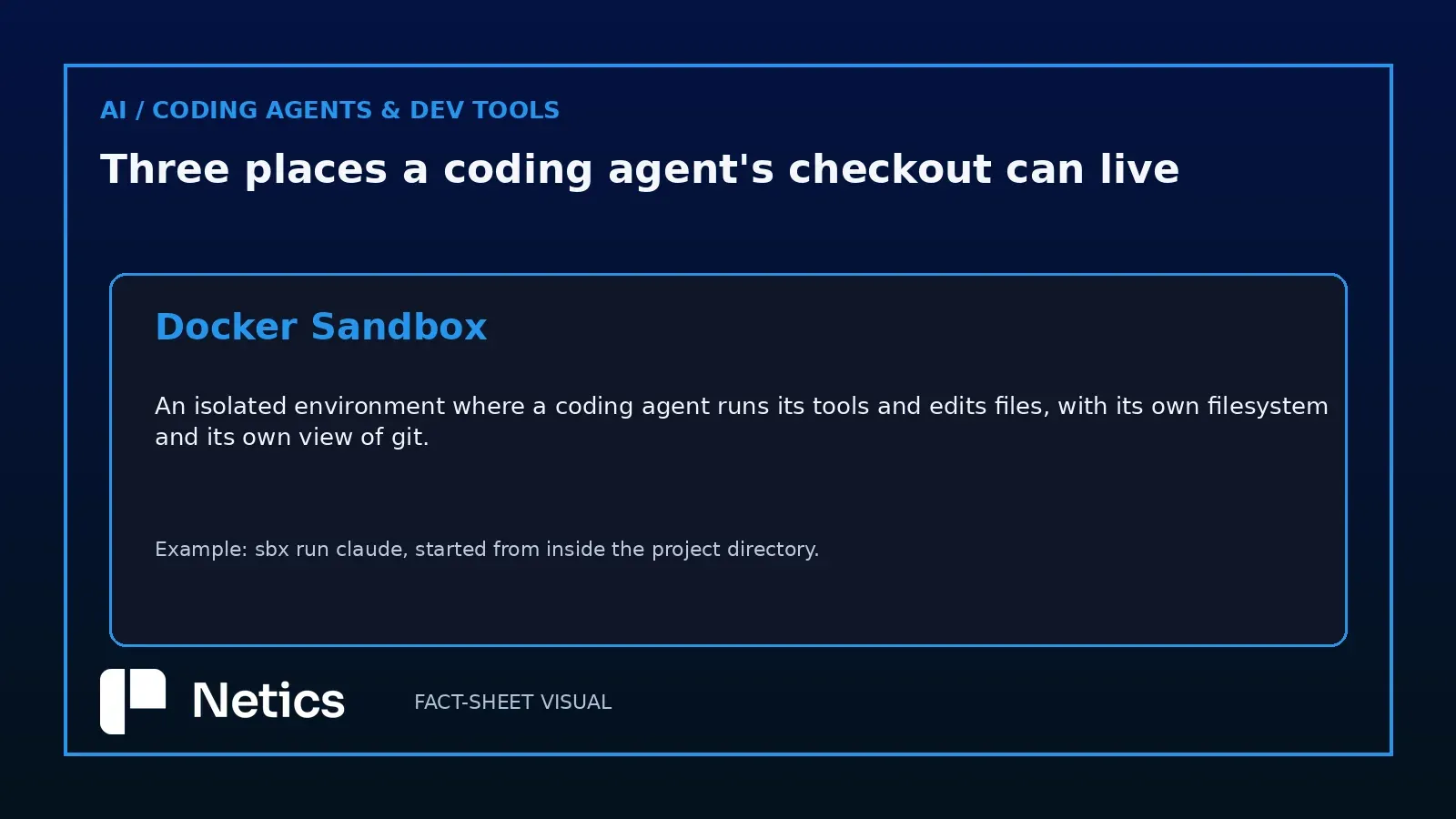
- A Docker Sandbox is an isolated environment where a coding agent runs its tools and edits files, with its own filesystem and its own view of git.
- On 2 November 2026 Docker published David Karlsson's walkthrough of three ways to place the code an agent works on: a shared mount from the host, a linked git worktree per task, and clone or mountless mode, where the repository lives inside the sandbox.
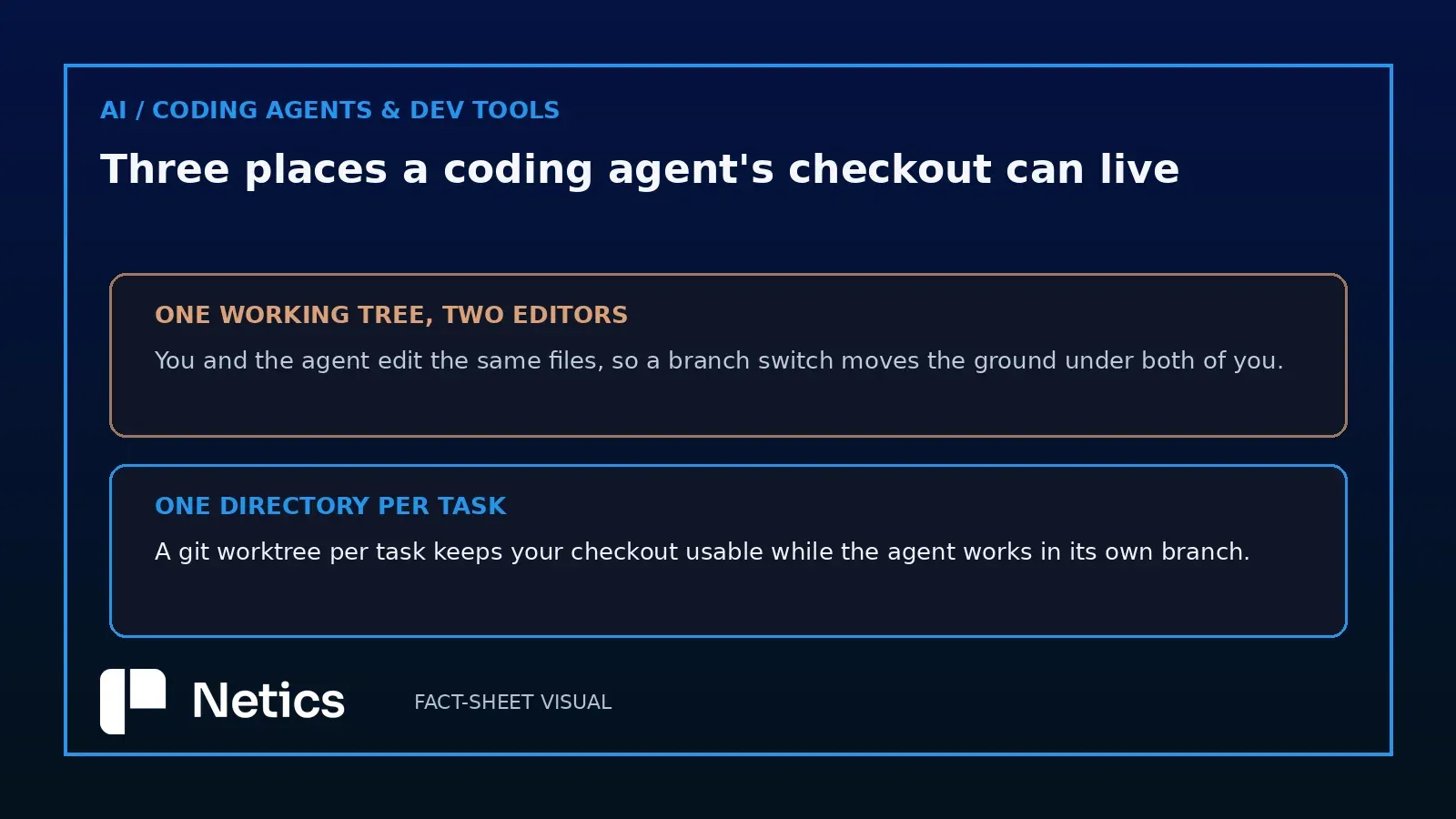
- A shared mount starts fastest. The agent edits the working tree you already have open, a branch switch moves the files under both of you, and dependency installs are shared with the host.
- A linked worktree gives every task its own directory and branch, and mounting it alone leaves status, branching and commits on the host because the
.gitfile points outside the mount. - Clone mode mounts the host source read-only, builds an independent clone for the agent, and turns the return trip into a fetch over a git remote that
sbxadds on the host. - A mountless sandbox keeps the checkout and its environment inside, reached with
sbx execor an editor over SSH, and work comes back by pushing a branch. - The checkout follows the review: one tree suits close collaboration on a single task, while separate trees let the agent manage several tasks you inspect afterwards.
- Practical rules travel across all three: keep dependency installs on one side of the mount, publish a port before previewing a dev server, and push out work you want to keep before deleting a sandbox.
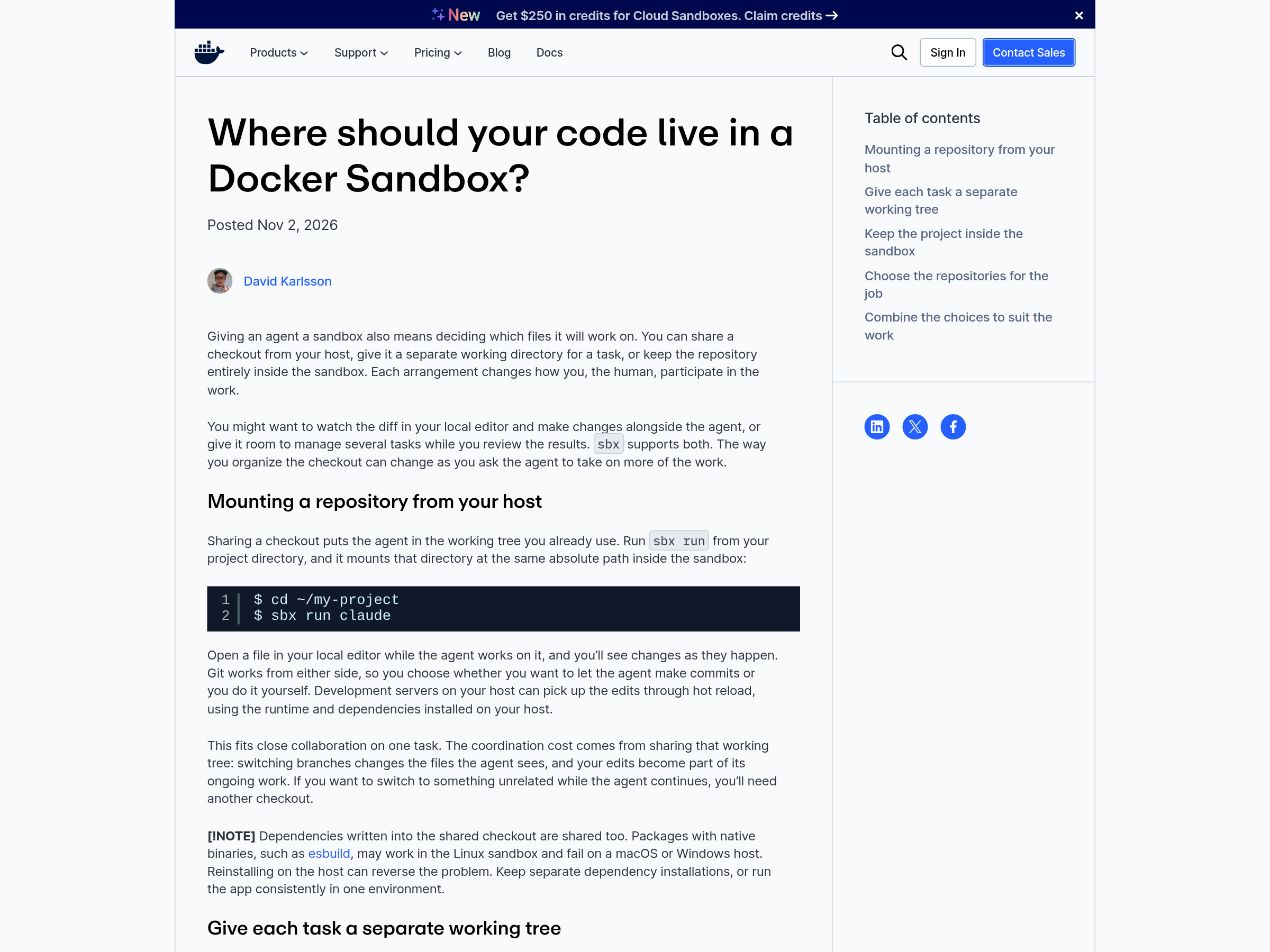
On 2 November 2026 Docker published Where should your code live in a Docker Sandbox?, a walkthrough by David Karlsson that treats sandbox isolation as settled and asks the more interesting question underneath it. Giving an agent a sandbox also decides which files it will work on, and that decision changes how the human participates. The post's own summary is blunt about the menu: “Docker Sandboxes support three ways to organize an agent's code: shared mounts, Git worktrees, and clone mode.”
The mount decides who holds the repository
Container isolation gets the attention, and the file layout is where teams actually get stuck. An agent editing your working tree collaborates directly with you. An agent editing its own clone contributes work through a branch. Both are useful, and they support different habits of review.
Karlsson organises the choice around that consequence, and performance stays a second-order question. For this article, the three arrangements are a shared mount, a linked worktree, and an agent-owned checkout; clone mode and mountless operation are two forms of that third arrangement. Pick the arrangement by the review loop you want, and the commands follow.
Container isolation and file layout jointly define the working model.
A shared mount keeps the diff in your editor and the branch in the agent's hands
Run sbx run claude from a project directory and that directory appears inside the sandbox at the same absolute path. Open a file in your editor while the agent works on it and the changes show up as they happen. Git works from either side, so you decide whether the agent makes commits or you do, and a dev server on the host picks up edits through hot reload using the host's runtime and dependencies.
The cost is shared ground. Switching branches changes the files the agent sees, your edits become part of its ongoing work, and a second unrelated task needs a second checkout. Dependencies are shared too, which is the failure mode worth memorising: packages with native binaries such as esbuild can build in the Linux sandbox and fail on a macOS or Windows host, and reinstalling on the host can reverse the problem. Keep separate dependency installations, or run the application consistently in one environment.
The arrangement is a choice about your editor as well, since hot reload on the host follows edits that happen inside a shared mount.
A linked worktree gives every task its own directory and takes git away from the agent
Git worktrees solve the branch-switching problem without a second clone. Each task gets a directory and a branch, each worktree can be mounted in its own sandbox, and your original checkout stays available for other work. Edits land in the worktree, where your editor and your development tools can inspect them.
There is a limit that surprises people, and Karlsson documents it precisely. Mounting only a linked worktree leaves its .git file pointing at metadata outside the mount, which the agent cannot reach. The agent can edit files. Checking status, branching and committing have to happen on the host, and the post draws the conclusion with a straight face: the future of software development still needs someone to run the discovery commands.
Each task also gets its own running environment, with tools to prepare and a worktree to clean up afterwards.
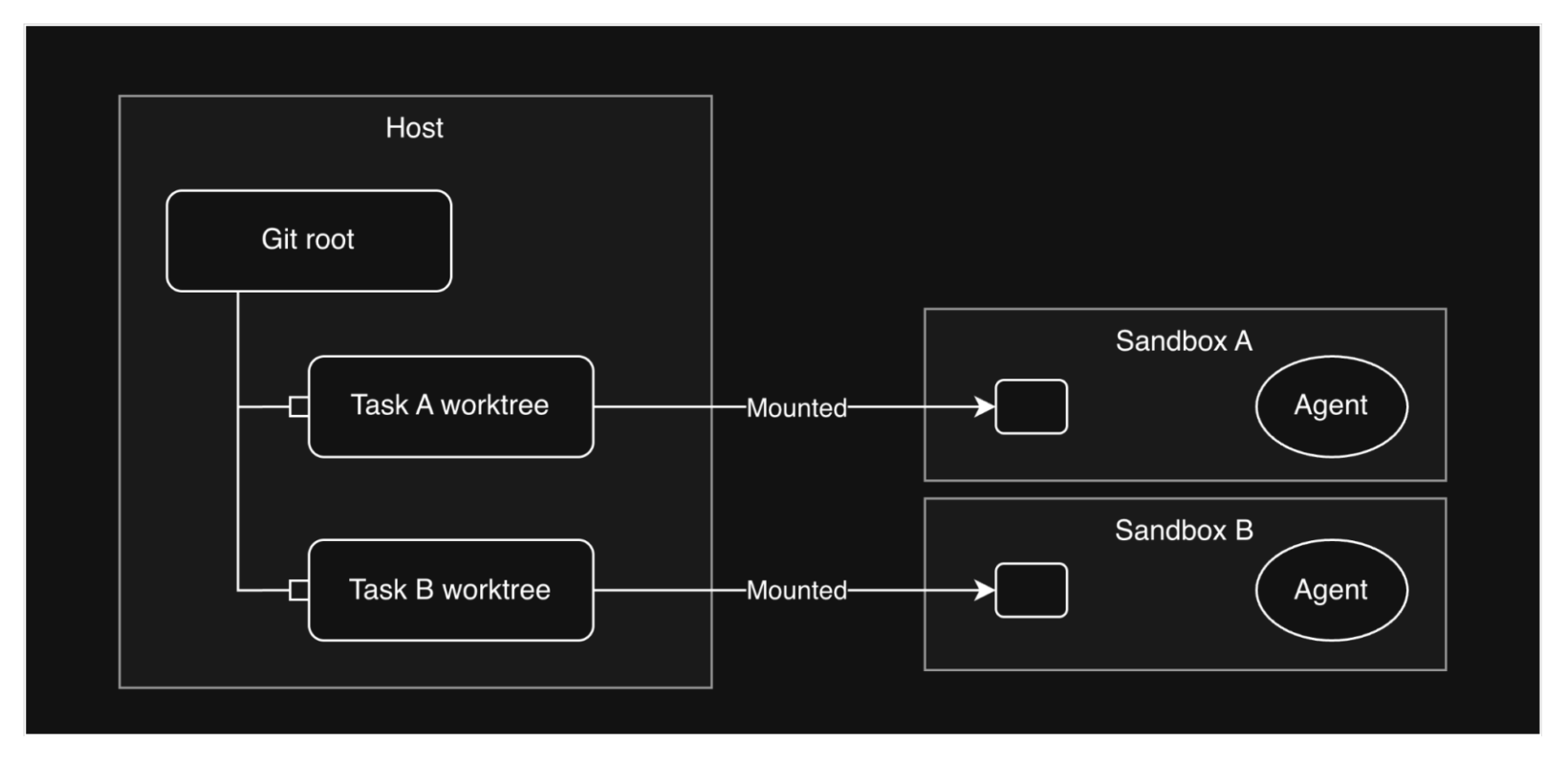
A linked worktree also keeps the original checkout free, so a second task can start while the first one is still under review.
Clone mode hands the agent a separate checkout and makes the return trip a fetch
Clone mode keeps your local project and still gives the agent a full repository. sbx mounts the host source as read-only and creates an independent clone for the agent, so branch changes and dependency installations stay in its own checkout. Returning the work becomes a deliberate handoff: while the sandbox runs you can fetch committed branches through the git remote that sbx adds on the host, or the agent pushes to the repository's remote and you pull the branch through your usual workflow.
This is the arrangement that matches review-heavy teams. The agent's work reaches your tree when you fetch its task branch, with the diff attached to that branch. The trade is ceremony: two checkouts to keep track of, and a fetch step people forget until they are looking for work that appears to have vanished.
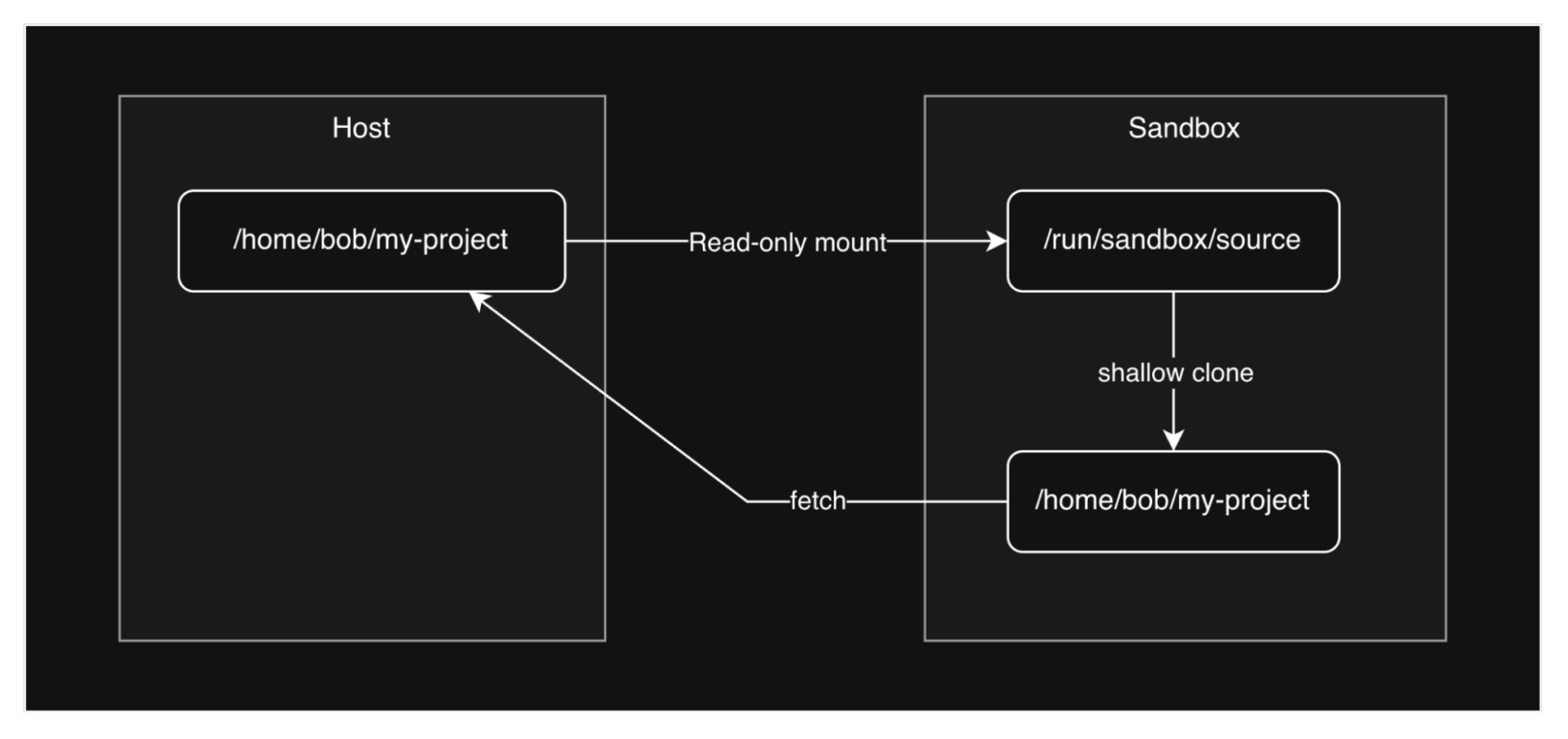
That fetch is also how a reviewer picks up work the agent finished overnight, because the branch reaches the host only at that step.
A mountless sandbox turns the project into a remote machine
A mountless sandbox has no host directory attached at all. Clone the repository inside it and the sandbox holds both the checkout and the environment, with no connection to your host copy. Karlsson describes the workflow as closer to a remote development machine: the agent connects to the project environment, and you open a shell with sbx exec or point an editor at the sandbox over SSH. Work returns by pushing a branch.
The mental model that fits is one sandbox per project. The project and its tools persist across agent sessions and sandbox restarts, and the agent can create worktrees per feature inside it, push branches and open pull requests. Starting another task needs no new host worktree.
A mountless sandbox also needs the least host preparation, since nothing has to exist on your filesystem before the agent starts.
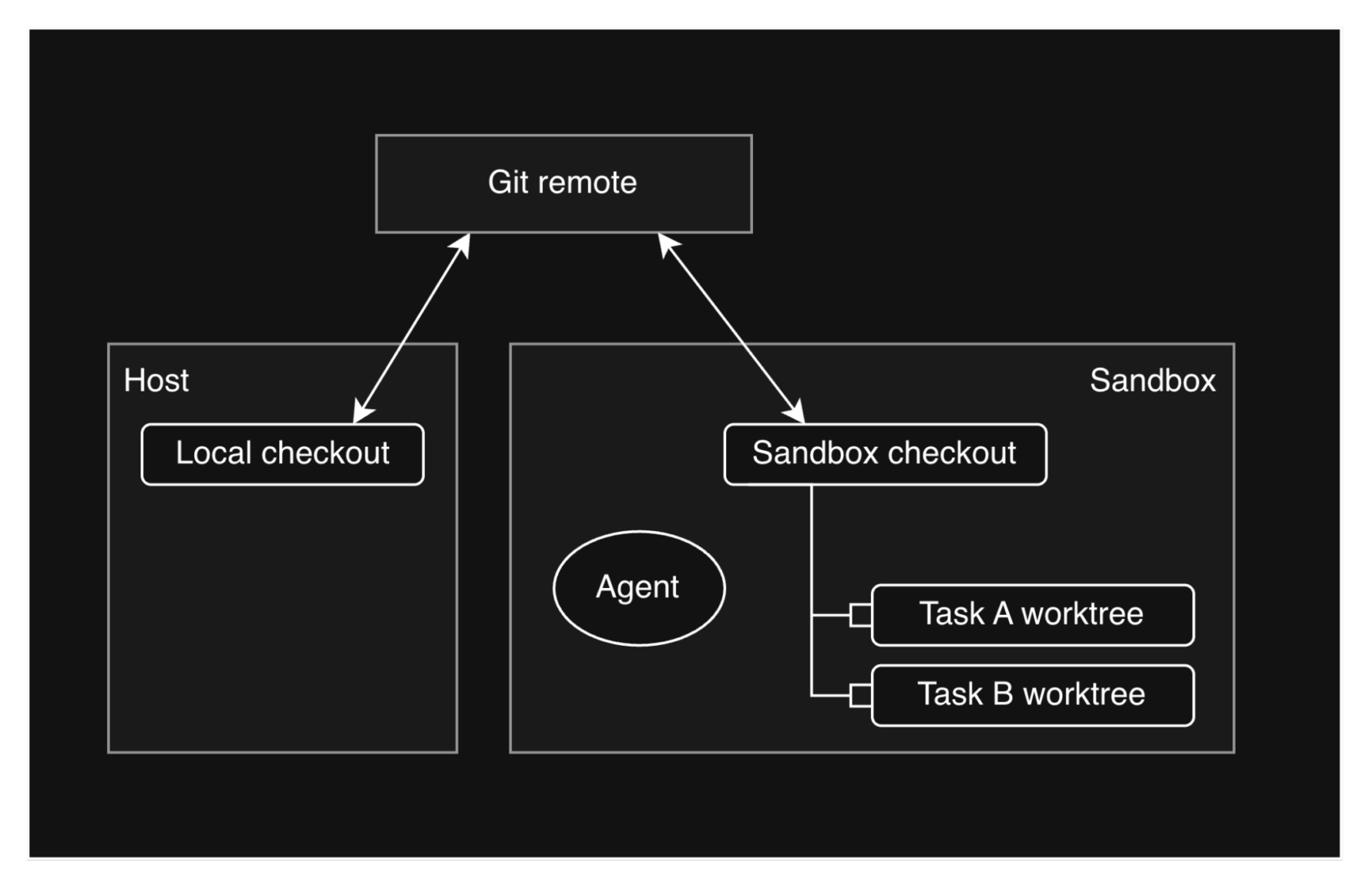
An environment file makes the setup repeatable, and a community kit can clone the repository at creation, which saves a manual clone.
Two caveats come with the pattern. Tasks share tools and services, so running servers and environment changes still need coordination, and branches on their own do not isolate simultaneous edits inside one working directory. Distance is the other cost. Your local editor is not looking at those files, and a dev server inside the sandbox needs sbx ports my-sandbox --publish 8080:8080 before a browser on the host can reach it.
Choose the checkout by where the review happens
Karlsson's closing frame is the useful one: the checkout location, the sandbox's lifetime and the repositories it contains are separate choices you can combine. A project sandbox can last for many tasks, or a workspace can be assembled for one job with a workspace manager such as jganoff/wsp, which produces standard clones with their own git metadata and therefore keeps git available to the agent.
Several repositories fit into the same logic. You can mount more than one directory into a single sandbox with read-only access for reference repositories, or clone everything needed inside a mountless one. What changes is coordination: each writable checkout needs branch discipline and cleanup afterwards.
“Branches alone don’t isolate simultaneous edits in one working directory.” That single sentence explains why sandbox lifetime belongs in the same conversation as file layout. A team that wants parallel agent work needs separate environments as well as separate branches, and the post states it plainly, which spares a team from discovering it during a merge.
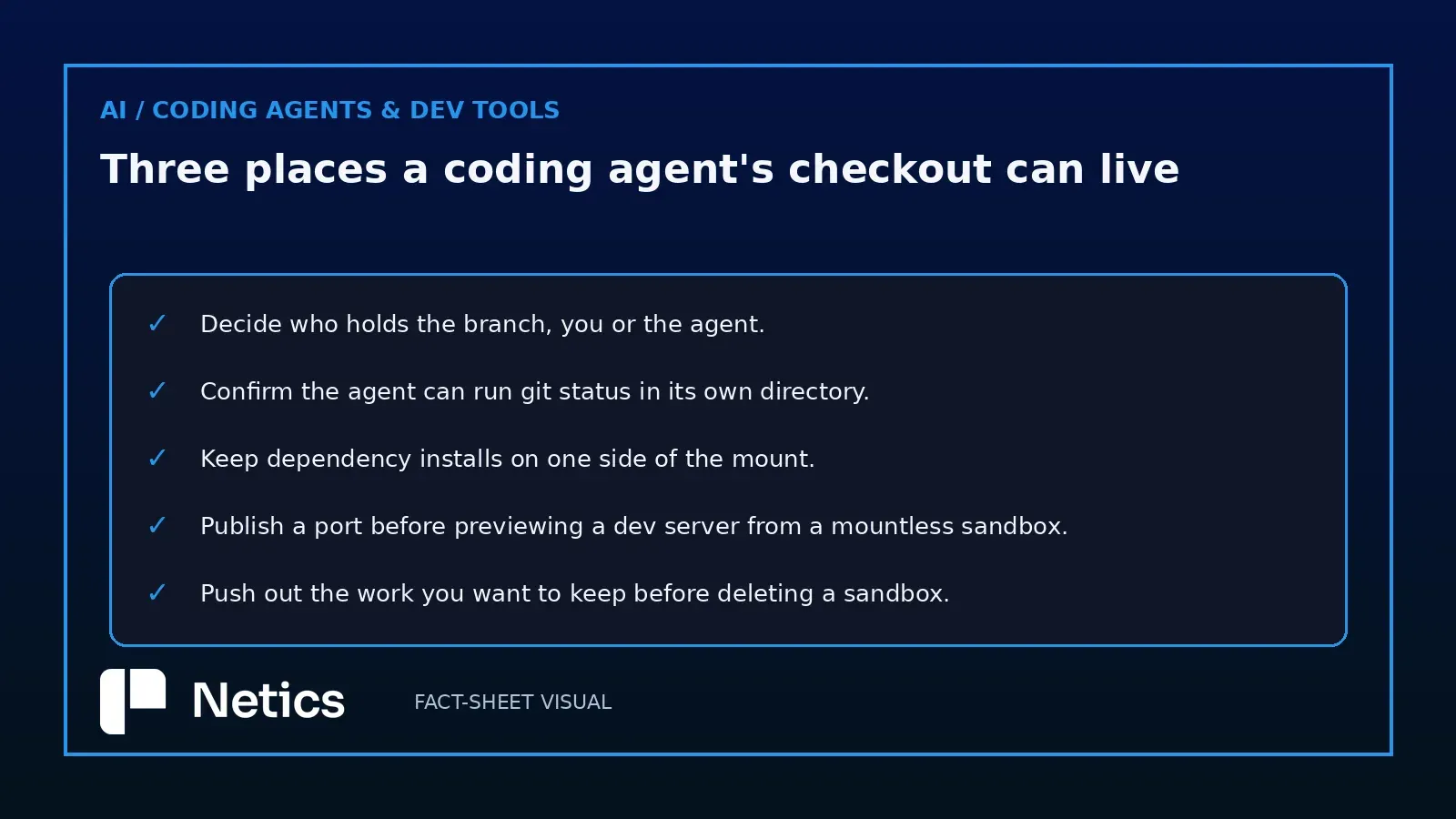
For teams already running agents against a shared codebase, the practical sequence is short. Decide who holds the branch and write it down, confirm the agent can run its git commands where you put it, keep dependency installs on one side of the mount, and remove the sandbox only after pushing work you want to keep, since deleting one deletes the files that live only there. The same questions show up when an agent platform runs the job with no developer in the loop, which is why per-task isolation and durable state belong together in a self-hosted AI agent platform. Earlier Netics analysis of sandbox durability in the OpenAI Agents SDK covers the other half of that problem.
Sources
- Where should your code live in a Docker Sandbox?, David Karlsson, docker.com, 2026-11-02
- Sandbox durability in the OpenAI Agents SDK, blog.neticslabs.com
Source: the Docker blog post of 2 November 2026 by David Karlsson, read in full on 3 November 2026. The three arrangements, the sbx run, sbx exec and sbx ports commands, the read-only mount in clone mode, the .git limitation of a mounted linked worktree, the esbuild dependency caveat, the workspace manager reference and the branch-isolation sentence all come from that post. The review-loop ordering is Netics analysis.