
Asahi Linux on M3 Is Ready for Serious Testing, Not Blind Production Rollouts
Asahi Linux has merged official M3 support into its installer. The hardware baseline is strong, but GPU, DCP, sleep, and HDMI limits still define the deployment decision.

TL;DR
- Asahi Linux has merged official support for M3-series Macs into the installer, and the project says almost everything already supported on M1 and M2 now works on M3.
- The practical baseline is unusually broad: webcam, internal microphones, USB up to the hardware limit of USB 3 at 10 Gb/s, hardware-accelerated video decoding including AV1, Wi-Fi, and Bluetooth are supported.
- The important exceptions are the GPU and full DCP support. Do not expect performant or power-efficient 3D acceleration; sleep is currently unavailable and HDMI is disabled on equipped MacBooks.
- M3 installation remains behind Expert mode for now. Teams should treat this as a controlled evaluation platform, upgrade immediately after installation, and wait for the Fedora Linux 45 beta target or a clear regression-free handoff before standardizing.
- The installer merge makes a controlled pilot credible, but GPU, DCP, sleep, and HDMI limits still need explicit testing before adoption.
- The deployment test plan for real teams is one non-critical device, a refreshed system, boundary testing, and a documented recovery path.
- What this means for businesses is a practical deployment test: one non-critical device, a refreshed system, boundary testing, and a documented recovery path.
What happened
The Asahi Linux project has moved M3 support from an engineering effort into the installer. That is the significant announcement in its September 2026 update: Macs built around an M3-series system-on-chip are now officially supported by the installation path, rather than being an informal experiment that users must assemble from scattered instructions. The source is the project’s own progress report, published on 6 September 2026.
The wording matters. Asahi does not claim that every M3 feature is finished. It says Linux support is at a stage where almost everything supported on M1 and M2 machines just works. That is a strong platform statement, but it is not the same as saying that an M3 Mac is interchangeable with a mature x86 Linux workstation. The difference sits in the components that determine graphics, displays, power states, and the behaviour of a laptop when it is closed or carried between locations.
For infrastructure teams, this is the point where curiosity can become a real test plan. The installer removes a major discovery barrier. It does not remove the need to define what the machine must do.
Netics' take
The source lists a substantial set of working capabilities. The webcam is supported. Internal microphones work. USB works up to the hardware limit of USB 3 at 10 Gb/s. Hardware-accelerated video decoding is available, including AV1 support. Wi-Fi and Bluetooth are also included, alongside the other functionality inherited from the M1 and M2 support base.
That list changes the likely evaluation scenario. An M3 Mac is not limited to a terminal connected to a network while every useful peripheral remains unavailable. A developer can assess a local Linux workstation with camera, audio input, wireless networking, external USB devices, and accelerated media playback in the same test. A technical team can examine how its development tools, remote-access workflow, local containers, and video-heavy applications behave on the actual hardware rather than on an abstract compatibility matrix.
The breadth is also why the announcement deserves more attention than a narrow boot story. Peripheral support is often what separates a machine that can technically run Linux from one that can participate in a person’s daily operating environment. The project’s progress suggests that the M3 foundation is becoming practical across more than one workload class.
Our qualification is straightforward: supported peripherals do not prove that every application using them is production-ready. The source gives the platform capabilities, not a compatibility guarantee for a company’s conferencing stack, device-management policy, USB accessory, or media workflow. Those still need testing.
The strongest Netics conclusion is deliberately bounded: official M3 support in the installer justifies a structured pilot, not a blanket production recommendation. A platform becomes deployable when its failure boundaries are explicit. For Netics, that means defining the workload, testing the boundary conditions, and recording what the machine is not being asked to do.
What this means for businesses
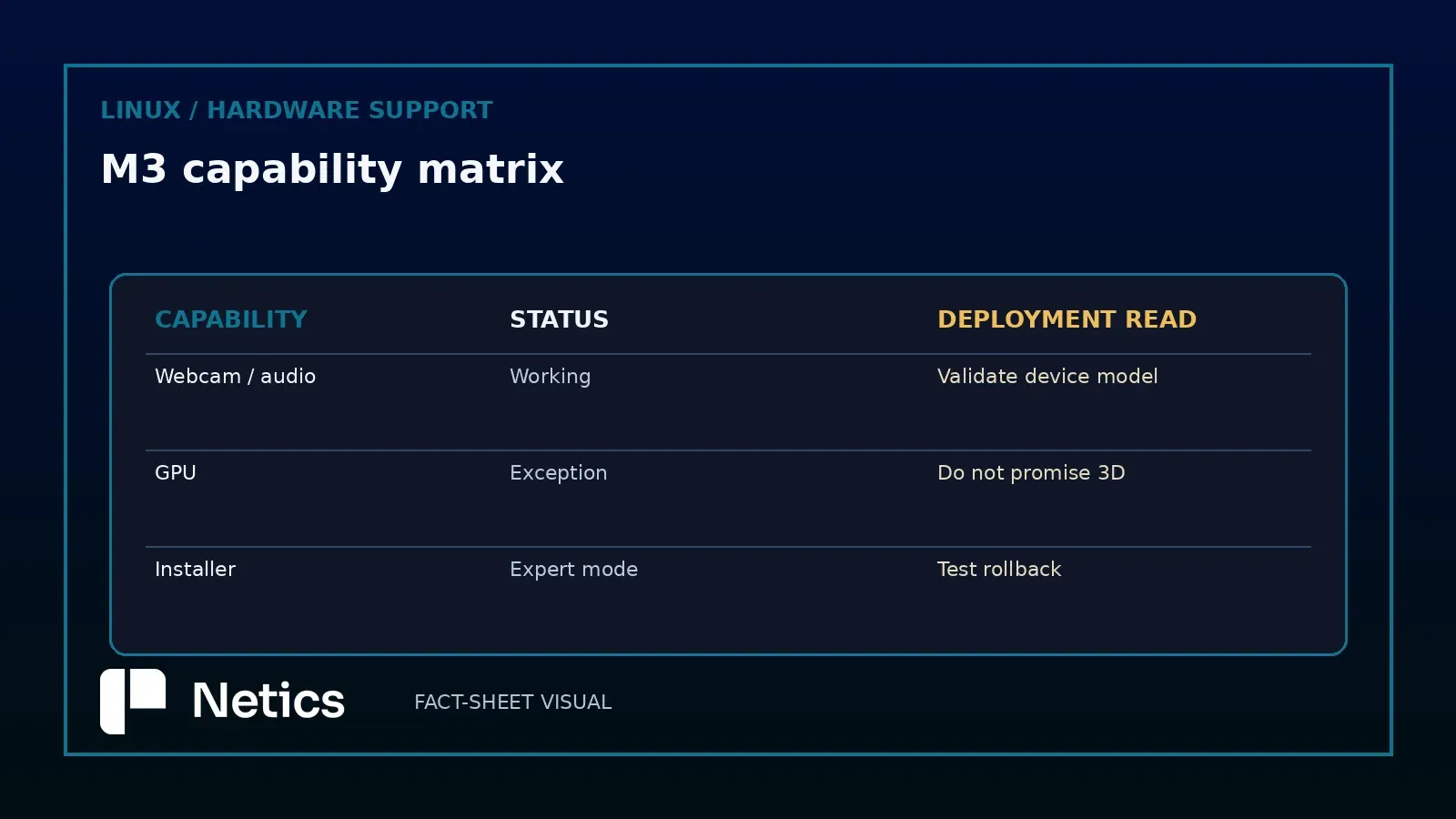
The most important sentence in the source is the warning that the major exceptions remain full DCP support and the GPU. Asahi explicitly says not to expect performant or power-efficient 3D acceleration right now. That is not a footnote for an infrastructure decision; it is the boundary of the product’s current usefulness.
The GPU exception affects any workload that assumes mature 3D acceleration: graphics-intensive development, visual production, GPU-compute experimentation, demanding desktop effects, and applications whose responsiveness depends on a complete accelerated graphics stack. A machine can have working Wi-Fi, audio, USB, and video decoding and still be the wrong host for those workloads.
DCP, or the display co-processor path referenced by the project, has equally concrete consequences. Sleep does not currently work because of limitations with the firmware-provided framebuffer. The HDMI port on equipped MacBooks is currently disabled. These are not abstract kernel-development issues. Sleep affects battery preservation, laptop fleet habits, and the reliability of suspend-and-resume workflows. HDMI affects classrooms, meeting rooms, desks with external displays, and any deployment that assumes a laptop can connect to a presentation screen without special conditions.
This is where a deployment checklist must resist the temptation to count supported features. The question is not “How many components work?” It is “Does the one missing component sit on my critical path?” If a team uses an M3 Mac as a shell, editor, browser, terminal, remote-operations client, or development machine that can remain awake, the current limitations may be manageable. If the same team needs dependable suspend, an external HDMI display, efficient 3D, or graphics-heavy local workloads, the answer is different.
What this means for businesses
M3 support is gated behind the installer’s Expert mode because much of the work is fresh. The documented installation command is:
curl -L https://alx.sh/ | EXPERT=1 shUsers run it in a macOS terminal and follow the prompts. After installation, the project asks users to run a system upgrade with dnf upgrade --refresh. That upgrade step should be treated as part of the deployment procedure, not as optional housekeeping. A newly installed system and the latest refreshed packages are not necessarily the same test target.
The Expert gate tells us how to frame the release. It is an invitation to informed testers, not a promise that the default path is ready for every fleet. An infrastructure team should record the installer date, the selected disk and boot arrangement, the package state after the refresh, and the exact hardware model. It should also keep a recovery path for macOS and avoid treating one successful installation as evidence that every M3 variant behaves identically.
The project aims to remove the Expert requirement in time for the Fedora Linux 45 beta in a couple of weeks, barring major regressions or other showstopping issues. That is a target, not a guaranteed date. The right operational response is to schedule a review around that milestone, not to announce an internal standard before it arrives.
A deployment test plan for real teams
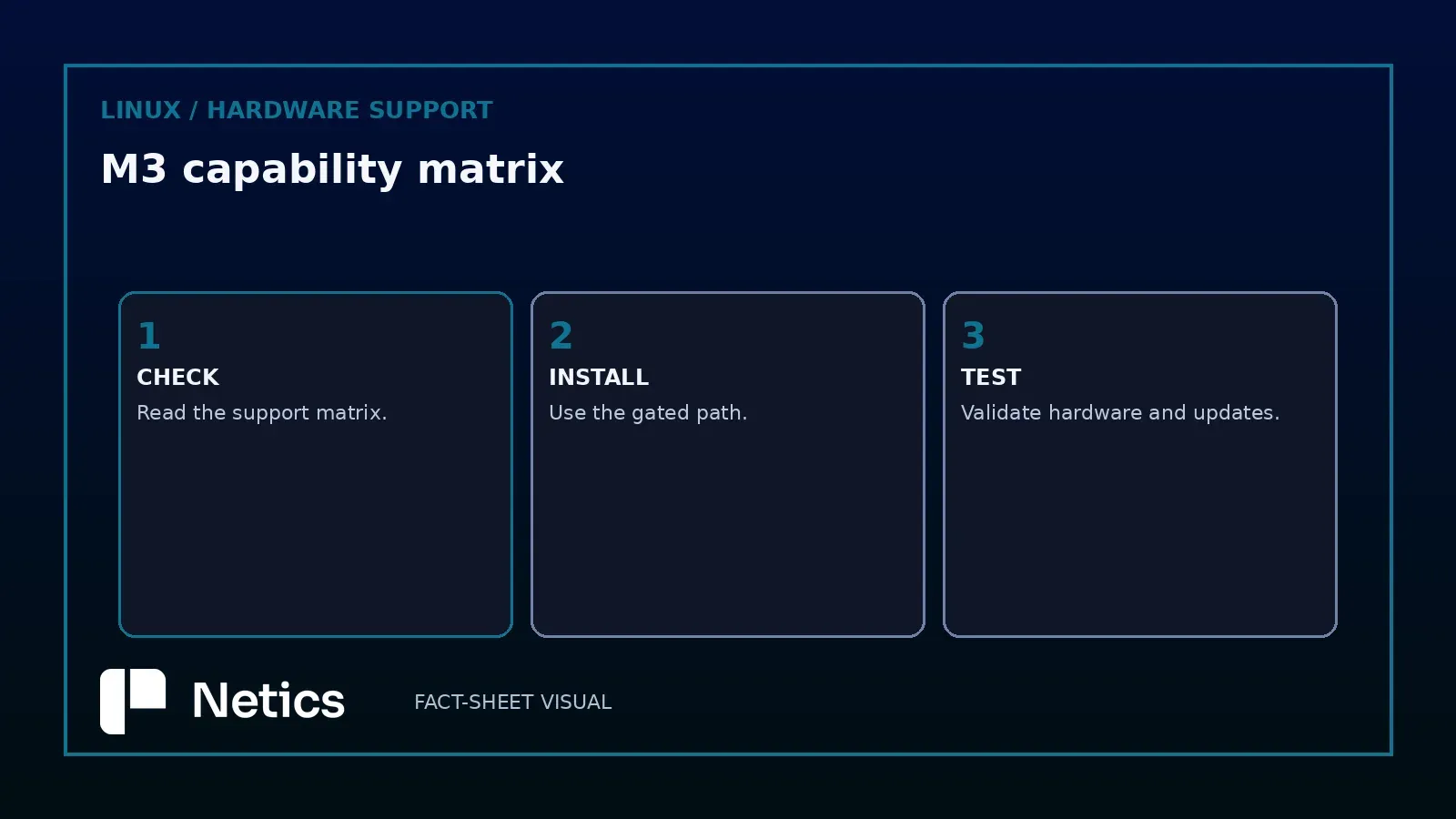
Start with one non-critical M3 device and a named owner. Confirm the basic boot and update path, then test the actual peripherals that matter to the intended user: webcam, microphone, USB devices, Wi-Fi roaming, Bluetooth pairing, and hardware-accelerated playback including an AV1 sample where that is relevant. Keep those results separate from the source’s platform claims; the project says the capabilities work, while your test establishes whether your devices and applications use them successfully.
Next, test the failure boundaries deliberately. Close the lid and verify what “sleep does not work” means for the current build. Connect the intended external display and confirm the HDMI limitation on equipped MacBooks. Measure the behaviour of your desktop and development tools without relying on performant or power-efficient 3D acceleration. If the workflow uses graphics, do not infer suitability from smooth video decoding.
Finally, define the rollback and support posture. A pilot should have a documented route back to the previous operating system, a way to preserve work outside the test device, and an owner for upstream feedback. The source asks users to share feedback; that is part of how this support moves from Expert-gated testing toward a normal installer path.
This is also a good moment to distinguish workstation use from server use. An M3 laptop running Linux for development is one decision. Using it as a continuously available infrastructure host would make sleep, display, firmware, thermal, and recovery behaviour much more consequential. The announcement does not establish a server support contract, an uptime guarantee, or a complete graphics stack. Do not invent those assurances.
Bottom line
Asahi Linux on M3 has crossed an important threshold: official installer support, broad M1/M2-derived functionality, working webcam and microphones, USB, AV1-capable hardware video decoding, Wi-Fi, and Bluetooth. That is a substantial base for evaluation.
The current release is still a selective deployment, not a universal replacement for macOS or a mature Linux workstation. GPU and DCP limitations remain decisive. Sleep does not work, HDMI is disabled on equipped MacBooks, and Expert mode is still required. Use one device, refresh it with dnf upgrade --refresh, test the workflows that matter, and reassess when the Fedora Linux 45 beta milestone approaches.
If your team wants to discuss turning that pilot into a safe infrastructure decision, talk to Netics.
Source: M2: Episode 1 (or, Asahi Linux on M3) — Asahi Linux, 2026-09-06.