
GitHub Puts Merge Readiness at the Top of the Pull Request
"GitHub opened an opt-in public preview on November 5, 2026 that moves merge status, checks, approvals and the next available action to the top of the pull request, with comment filters and

TL;DR
- A pull request overview page is the pull request screen where a reviewer reads whether a change can merge, what is blocking it and who still has to approve it.
- On November 5, 2026, GitHub opened the Overview page as an opt-in public preview, with rollout continuing through the weekend; merge status and the next available action sit at the top of the page.
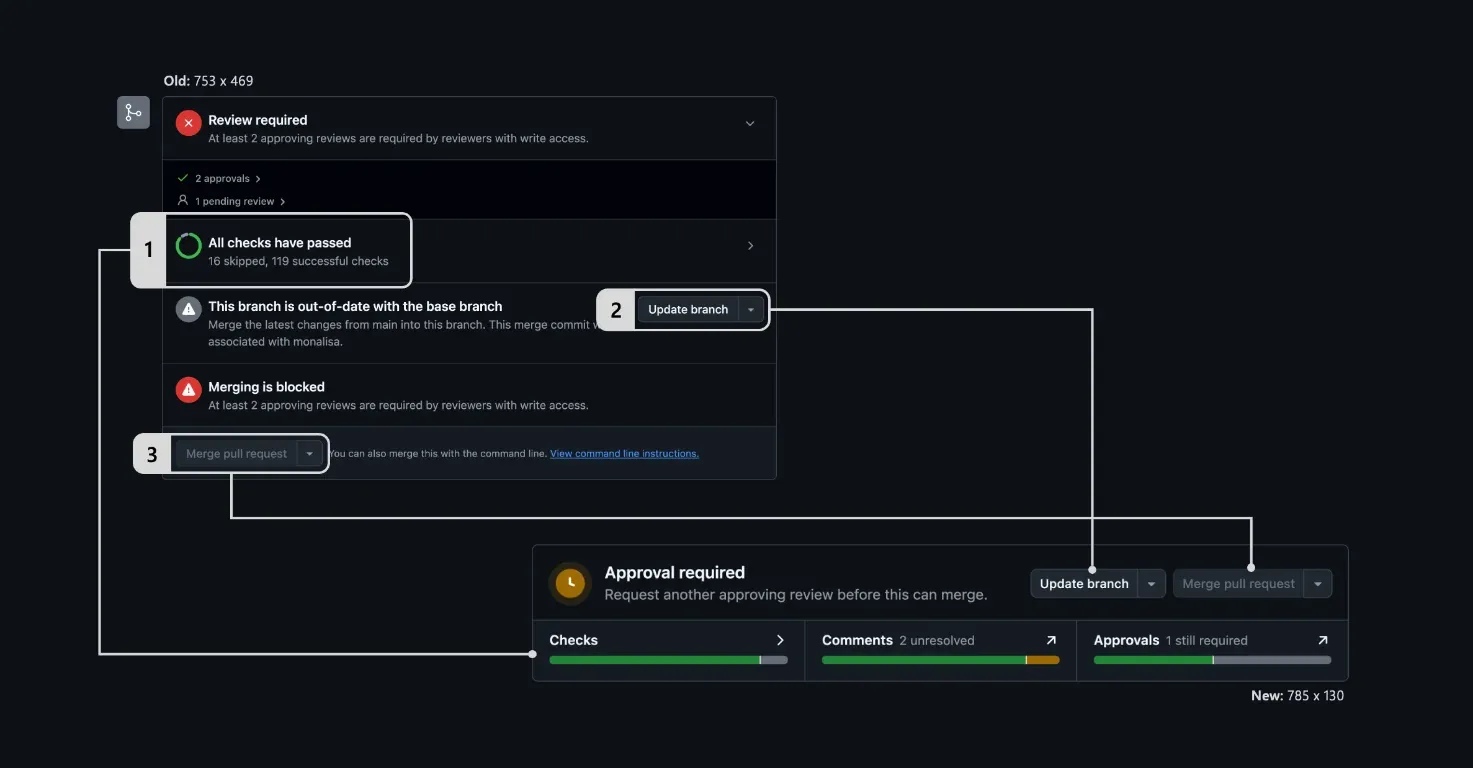
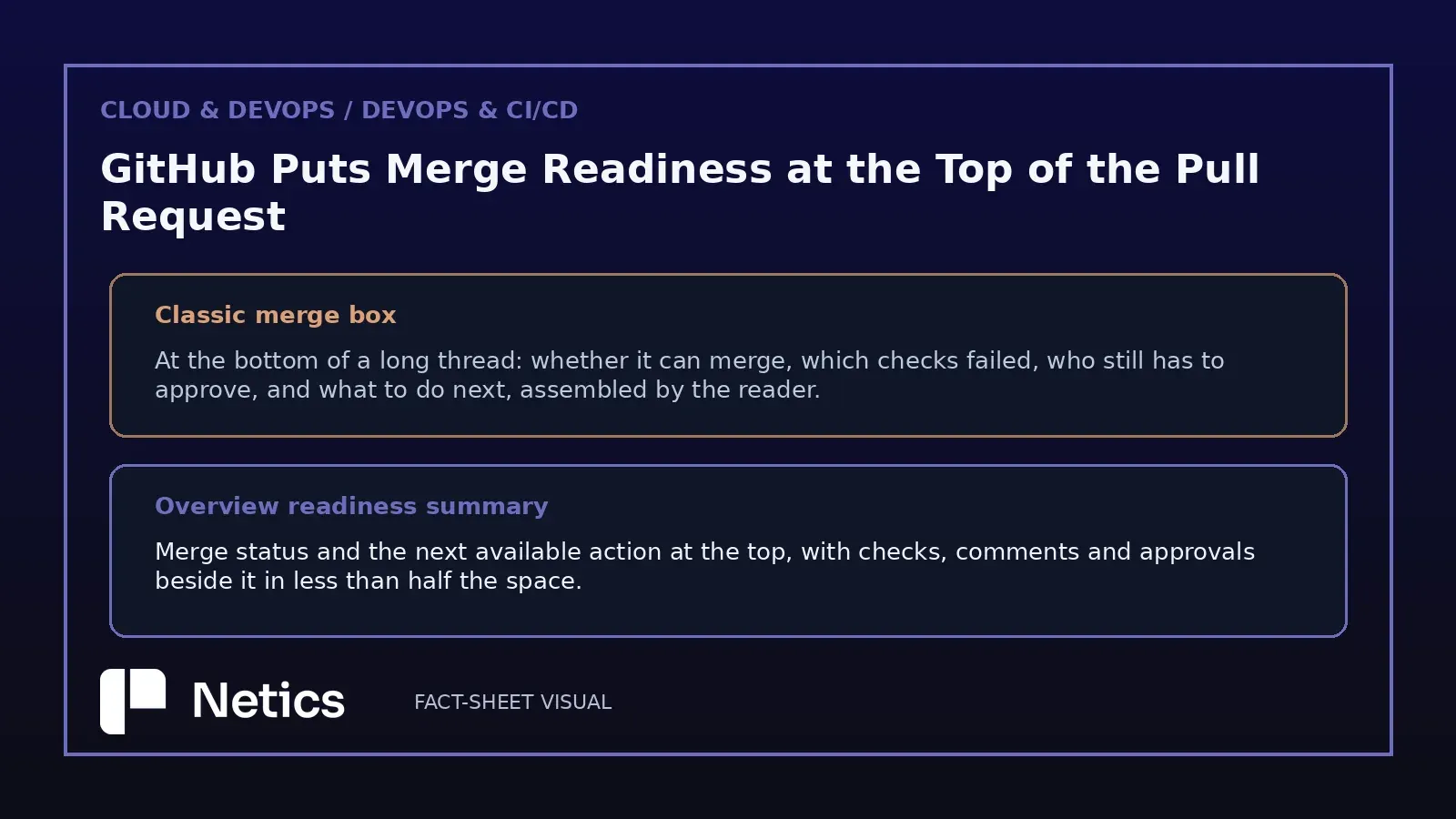
- The merge box was redesigned to carry the same information in less than half the space, and the review keeps checks, comments and approvals next to it.
- Comment filters narrow the thread to unresolved conversations or to comments you wrote, newest-first sorting puts recent answers first, and an activity summary sits in the upper right.
- Required checks and required approvals remain the merge evidence: branch protection is what turns a review into a gate, and the summary only reports that state.
- A readiness summary measures the state of a change at one moment. A review routine for high pull request volume reads the diff, the migration path and the failing checks.
- This is a starting point in preview: the classic overview remains available through the same menu, and GitHub is asking for feedback on what still loses context.
Review work has a shape that most engineering metrics miss. A reviewer opens a pull request, establishes what the change does, finds out what stands between it and the main branch, then decides whether to approve, request a change or leave the thread for later. On a long one it competes with dozens of comments and timeline events stacked above the merge box. GitHub's changelog post of November 5, 2026 opens with that exact complaint: "On a long pull request, checking what's blocking often means scrolling past dozens of comments and timeline events just to reach the merge box."
The Overview page redesign is aimed at that review loop. It is opt-in, it arrives in public preview, and the rollout continues through the weekend after publication. The interesting part for teams running review at scale is what the new page chooses to put first.
What the Overview page moves to the top
The page opens with a compact readiness summary that holds merge status and the next available action. Below it, a single row presents checks, comments and approvals together as supporting signals for the review. The design brief in the changelog is explicit about the goal: "Start with the summary, then follow the detail that matters to your next step."
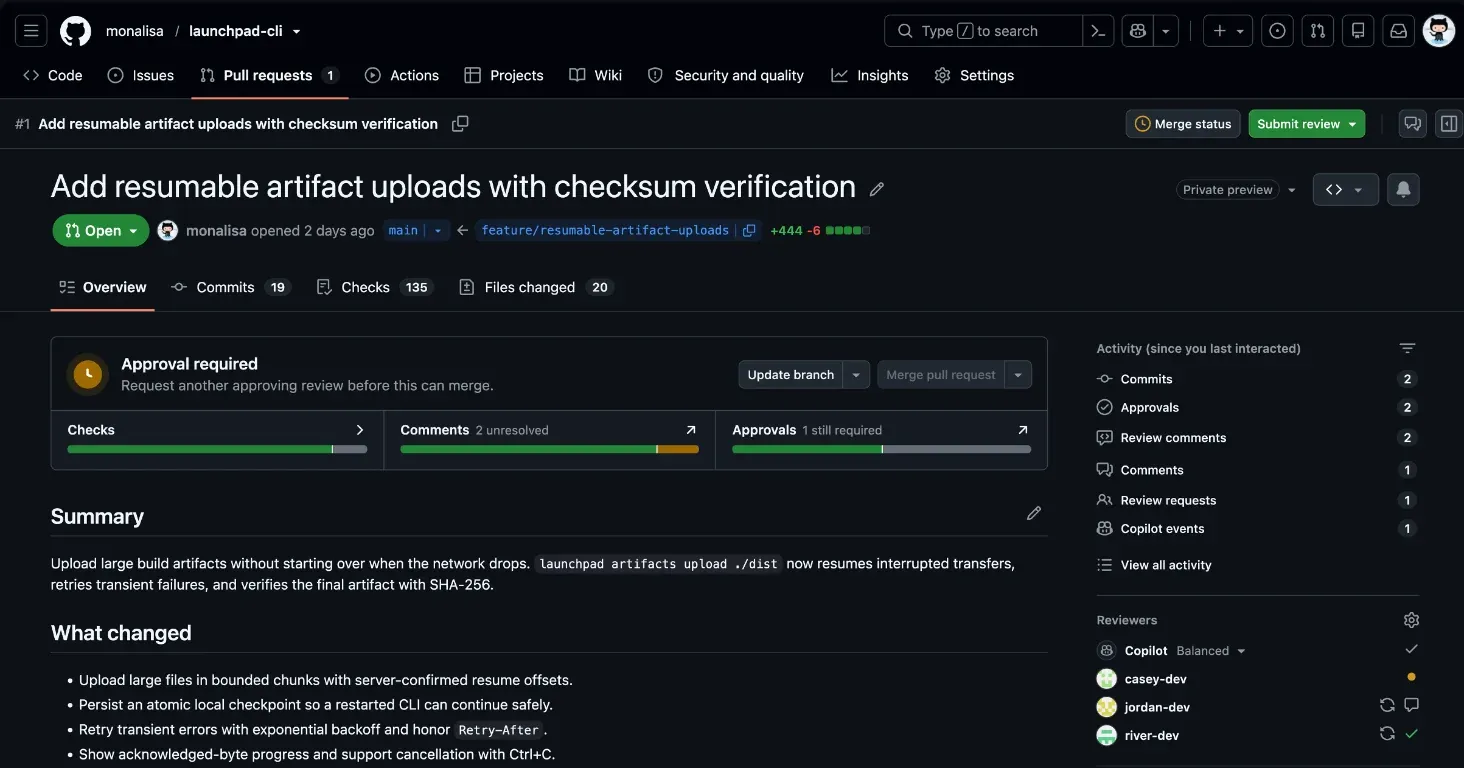
To join the preview, select the ✨ Try the Overview page button in the header; the same menu returns to the classic overview during the preview. Draft pull requests can be marked ready for review and pull requests closed from the header, with the available actions following the reader's permissions.
Reading that placement as a product decision tells you something about where review time actually goes. The state of a pull request changes constantly: a check fails and is rerun, an approval lands, someone pushes a commit that dismisses an approval. A page that reports that state at the top saves a scroll on every visit, and the visits are frequent on a busy repository.
A merge box that fits the review
The merge box is the block that reports whether a pull request can move forward. GitHub kept it and redesigned it: the new version shows the same information in less than half the space. The changelog lists three jobs the compact version has to serve — explore the supporting signals, address what is blocking, and merge once requirements are met.
Space is a real constraint here, and the trade-off shows up when a repository has many checks. A compact summary can show that a check failed and guide the reviewer to the supporting details. The reviewer can follow the summary to the failing checks and other supporting details.
Comment filters and newest-first sorting
Two smaller changes matter more than their size suggests. The conversation can be filtered to unresolved threads or to comments you wrote, and comments can be sorted newest-first. An activity summary in the upper right collects review comments, review requests and other updates.
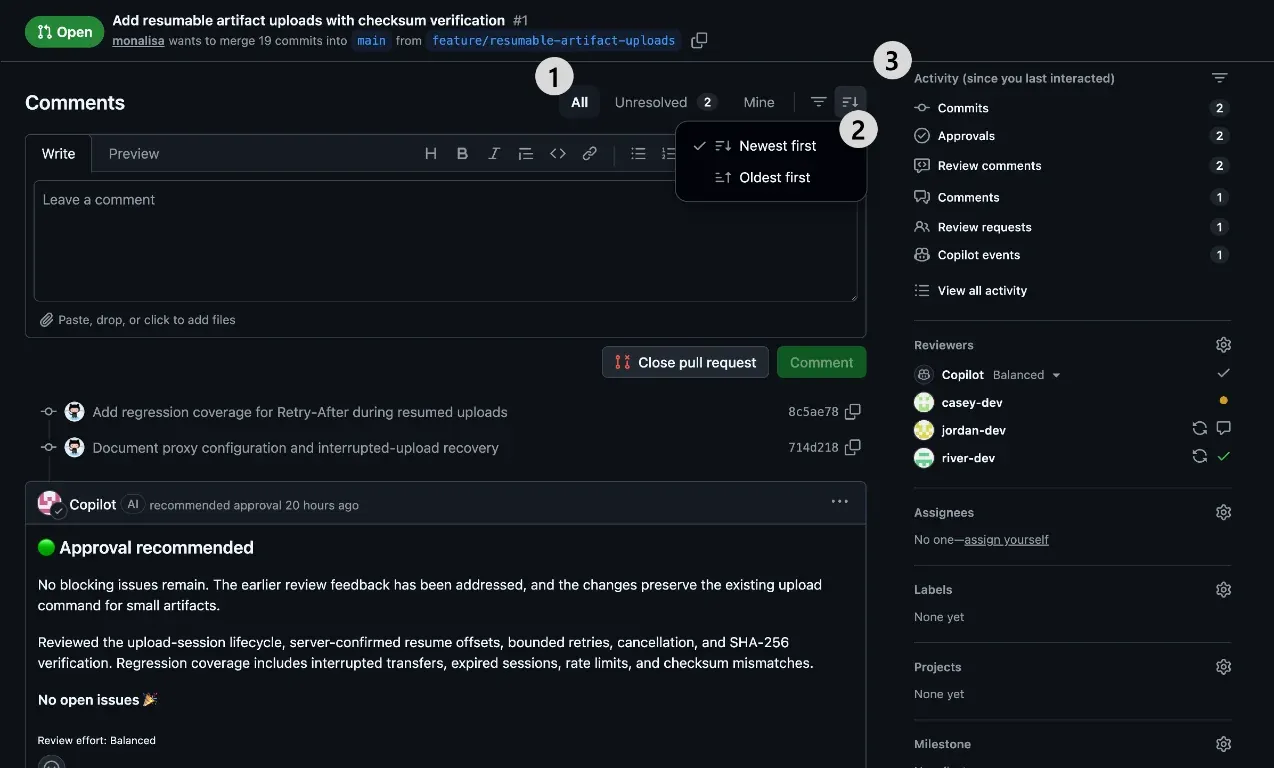
Those three controls answer a question that grows with the size of the team: what changed since I last looked. Comment counts rarely help with that question, because a long pull request can contain dozens of comments and timeline events. Filtering to unresolved conversations gives the reviewer the open questions; filtering to your own comments gives the follow-ups owed to you; newest-first sorting puts the answer at the top.
Required checks and approvals as merge evidence
The summary reports a state that branch protection defines. GitHub's own documentation is blunt about the mechanics: with required reviews enabled, collaborators can only push changes to a protected branch through a pull request approved by the required number of reviewers, and with required status checks enabled, those checks must pass before anyone can merge.
That division of labour is worth keeping in view. The interface determines how quickly a reviewer learns the state. Protection rules determine whether that state blocks the merge. A team that turns on required checks in a repository where nobody reads the failing log line has gated the merge and postponed the investigation. The interface moves information about the gate to the top of the page. Protection rules still enforce the merge requirements, and reviewers remain responsible for judgement.
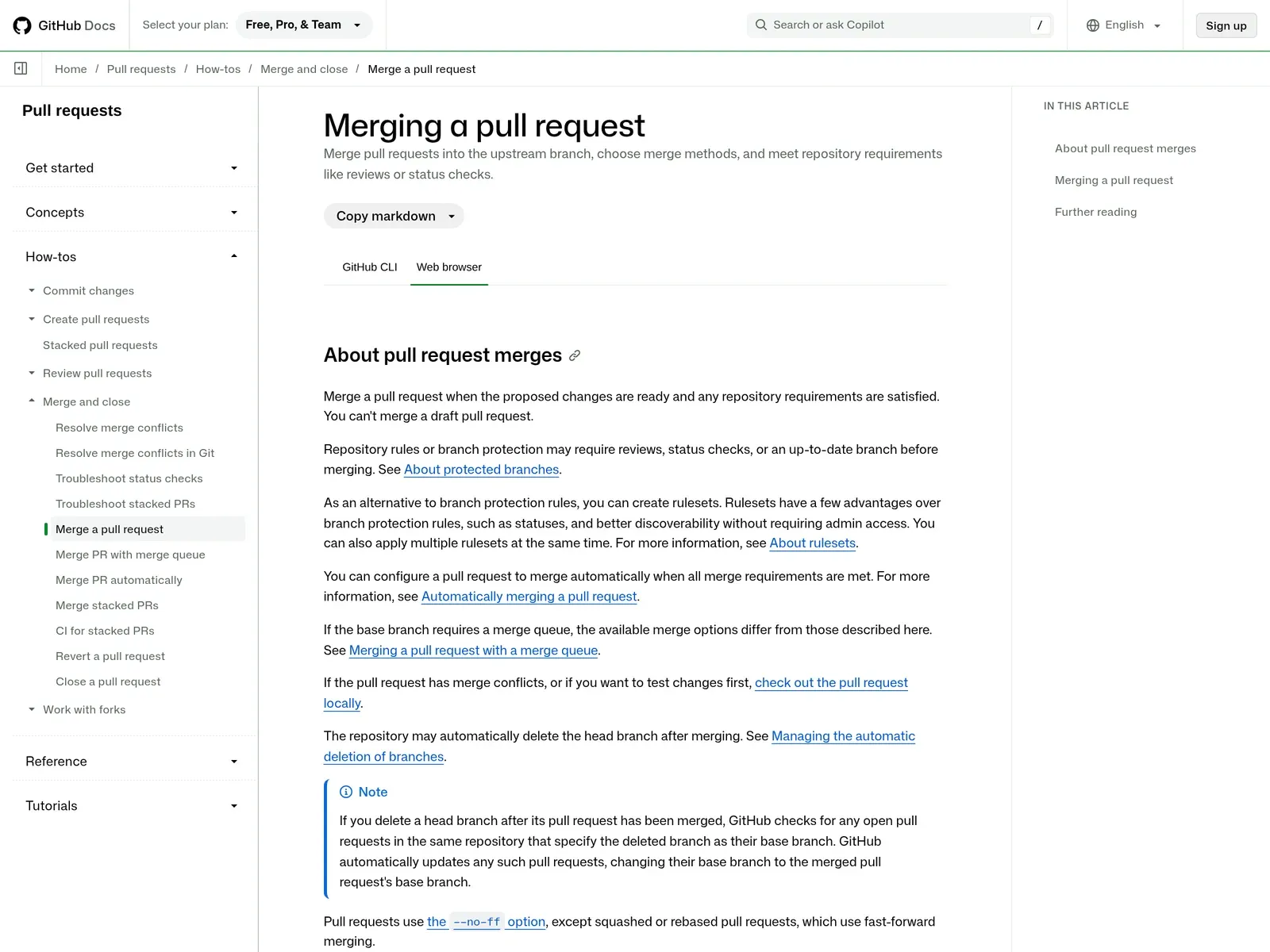
What a readiness summary measures about a change
The readiness summary shows merge status, blocking items and the next available action. Its supporting details lead to failing checks, pending approvals and relevant comments. Reviewers can then inspect the diff, the production path and test coverage before deciding whether to merge.
GitHub is careful about the scope of the preview, describing it as "very much a starting point" and asking readers where they still lose context. That framing matters for anyone deciding whether to switch a team onto it: the overview changes the cost of finding information, and leaves the substance of review where it was.
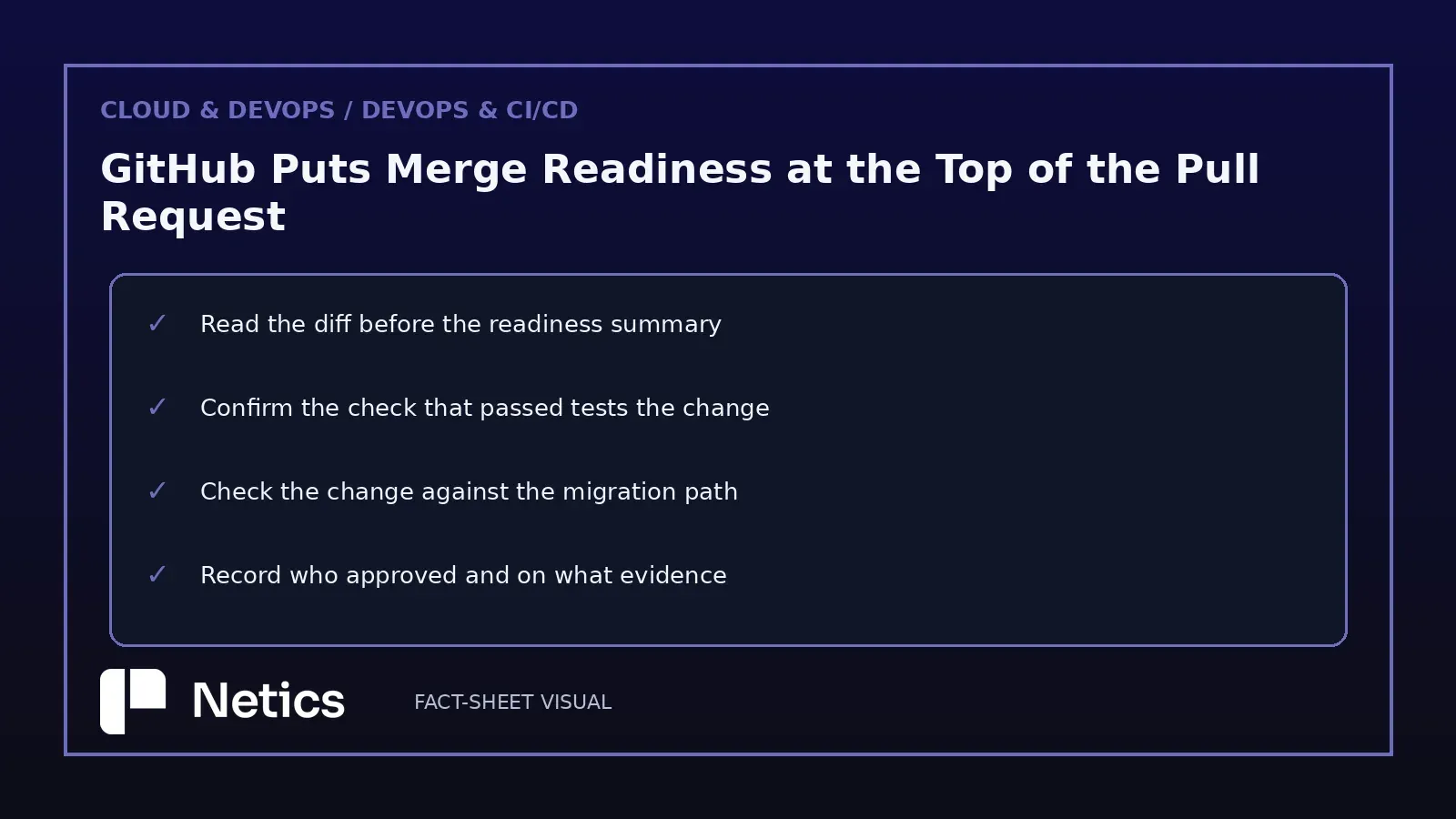
A review routine for rising pull request volume
The practical question for a small engineering team is what to standardise once an interface puts readiness first. The review routine keeps the following habits. Read the diff before the summary, because the summary describes a state the diff explains. Confirm that the check which passed actually exercises the change. Compare the change to the migration path, especially when the diff touches a schema. Record who approved and on what evidence, so the approval survives the next incident review.
Required status checks turn review into a gate, and the DevOps pipelines and managed monitoring behind those checks become part of the review's evidence. Pipeline duration affects reviewer wait times; a green check reported on a stale commit changes what that result means.
As people review more pull requests, time spent scrolling adds up. GitHub's framing in this changelog keeps the claim modest — "as people need to review more and more pull requests, time spent scrolling adds up" — and the fix offered here is a better-placed summary of state.
The honest read is that the preview optimises what a reviewer sees first, and that the value shows up on long pull requests with many checks.
Sources
Source: "New pull request overview page in public preview" — GitHub Changelog, 2026-11-05. https://github.blog/changelog/2026-11-05-new-pull-request-overview-page-in-public-preview/
Supporting documentation: "Merging a pull request" — GitHub Docs, retrieved 2026-11-08. https://docs.github.com/en/pull-requests/collaborating-with-pull-requests/incorporating-changes-from-a-pull-request/merging-a-pull-request
Supporting documentation: "About protected branches" — GitHub Docs, retrieved 2026-11-08. https://docs.github.com/en/repositories/configuring-branches-and-merges-in-your-repository/managing-protected-branches/about-protected-branches
Screenshots: three images published in the changelog post above, retrieved 2026-11-08, plus one capture of the GitHub Docs merging page taken the same day.
Source: GitHub Changelog and GitHub Docs, published 2026-11-05 and retrieved 2026-11-08; individual URLs are listed in the Sources section above.